Features
Every detail.
Working together.
Nine parts of the business, all on the web app, with the Android and iOS app where you need it.
The counter
Estimates, bills, old gold and repairs, at the pace of a busy Saturday.
-
Billing & estimates
Tag scan to estimate to invoice, with thermal print.
More about billing & estimates
Estimates from a tag scan, several at once, printed on a thermal printer. Sales, invoices and receipts with cash, cheque, bank, NEFT, RTGS and IMPS. Sales orders with an advance, valuations, remake billing where the customer's own gold is taxed only on the excess, family-member billing and split invoices.
-
Old gold
Purchase vouchers set against the new bill.
More about old gold
Old purchase vouchers with a timeline of what happened to the gold, exchanged against a sale, printed on A4 or A5, and counted in the Old Purchase Report and the day summary.
-
Repairs
Intake to delivery, with a receipt.
More about repairs
Take a repair in, track it to delivery and print the receipt.
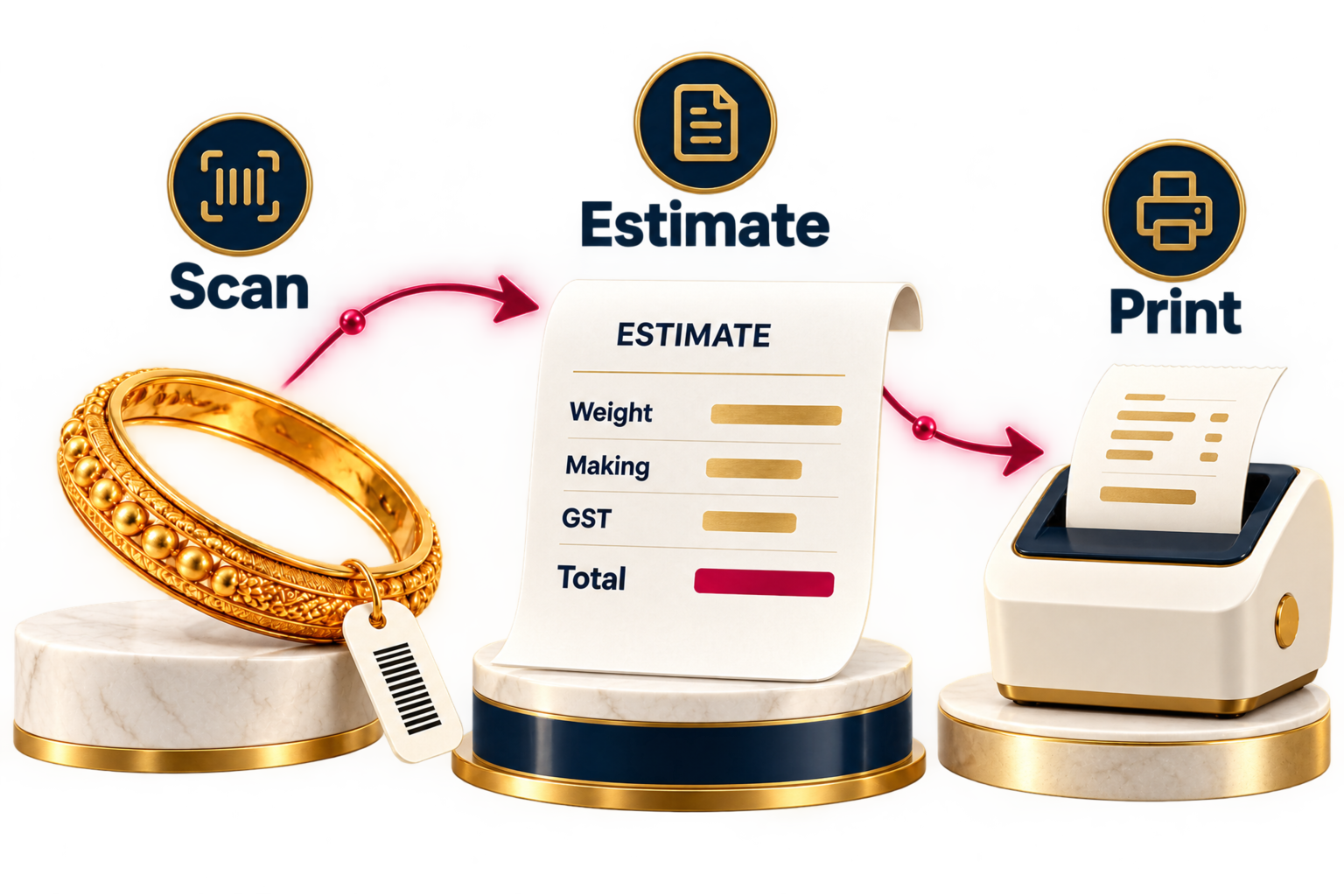
Weight, wastage, making and GST in one breakdown.
Print the estimate on a thermal printer.
- 1Scan tag
- 2Build estimate
- 3Print or invoice
Stock, karigars and suppliers
Every gram accounted for, from the supplier to the showcase.
-
Stock & tags/HUID
Tags with weight, purity, stones, photos and HUID.
More about stock & tags/huid
Tags carry weight, purity, stones, photos and HUID, with tag numbers given out by the server. Stock ledger, metal stock, counter scans and stock verification. The phone's Smart Scan reads tag, counter, scheme card and loan codes. A product catalogue with a kiosk mode.
-
Karigar
Issue and return by weight.
More about karigar
Issue stock to a karigar or a counter and take it back by weight, with the balance kept in the stock ledger.
-
Suppliers & rate cut
Purchases, rate cut and rate cards.
More about suppliers & rate cut
Purchase entries and invoices, rate cut, supplier payments and receipts, supplier rate cards that sync both ways, and supplier re-sale.

Tags hold weight, purity, stones and HUID.
Karigar and counter movements stay in the ledger.
- 1Issue stock
- 2Record return
- 3Check balance
Schemes and loans
The money that comes back every month.
-
Saving schemes
Members, instalments and closing.
More about saving schemes
Scheme masters with any number of instalments, members, instalment entry, closing and a report as on any date. Customers can pay instalments online in the customer app.
-
Gold loans
Pledge, interest and release.
More about gold loans
Loan masters, disbursement, interest, pledged-stock checks and finance licences. Prints the pawn ticket, the management copy and the close-pledge declaration.
-
DigiGold
Customers buy 916 gold at your rate.
More about digigold
Customers buy 916 gold at your shop's rate, paid online. Switched on per shop.

Keep each member’s instalments together.
Review a scheme as on any date.
- 1Choose member
- 2Record payment
- 3Review scheme
Accounts, GST and reports
Month end without the shoebox.
-
GST returns
GSTR-1 & 3B JSON ready to upload.
More about gst returns
GST report and HSN summary. GSTR-1 (B2B, B2CL, B2CS, HSN and documents) and GSTR-3B as JSON ready to upload, with QRMP and GSTIN checks.
-
14 reports + Tally
Excel, PDF or print. Tally export.
More about 14 reports + tally
14 report screens on the web, Android and iOS, exported to Excel, PDF or print. Income and expense, banking, chart of accounts, journals, balance sheet, cash flow and daily closing with a cash tally. The Tally export covers 7 data sets.
-
Rate Analyzer
Buy or sell, with the break-even.
More about rate analyzer
Rate Analyzer gives a buy-or-sell verdict and the break-even rate.
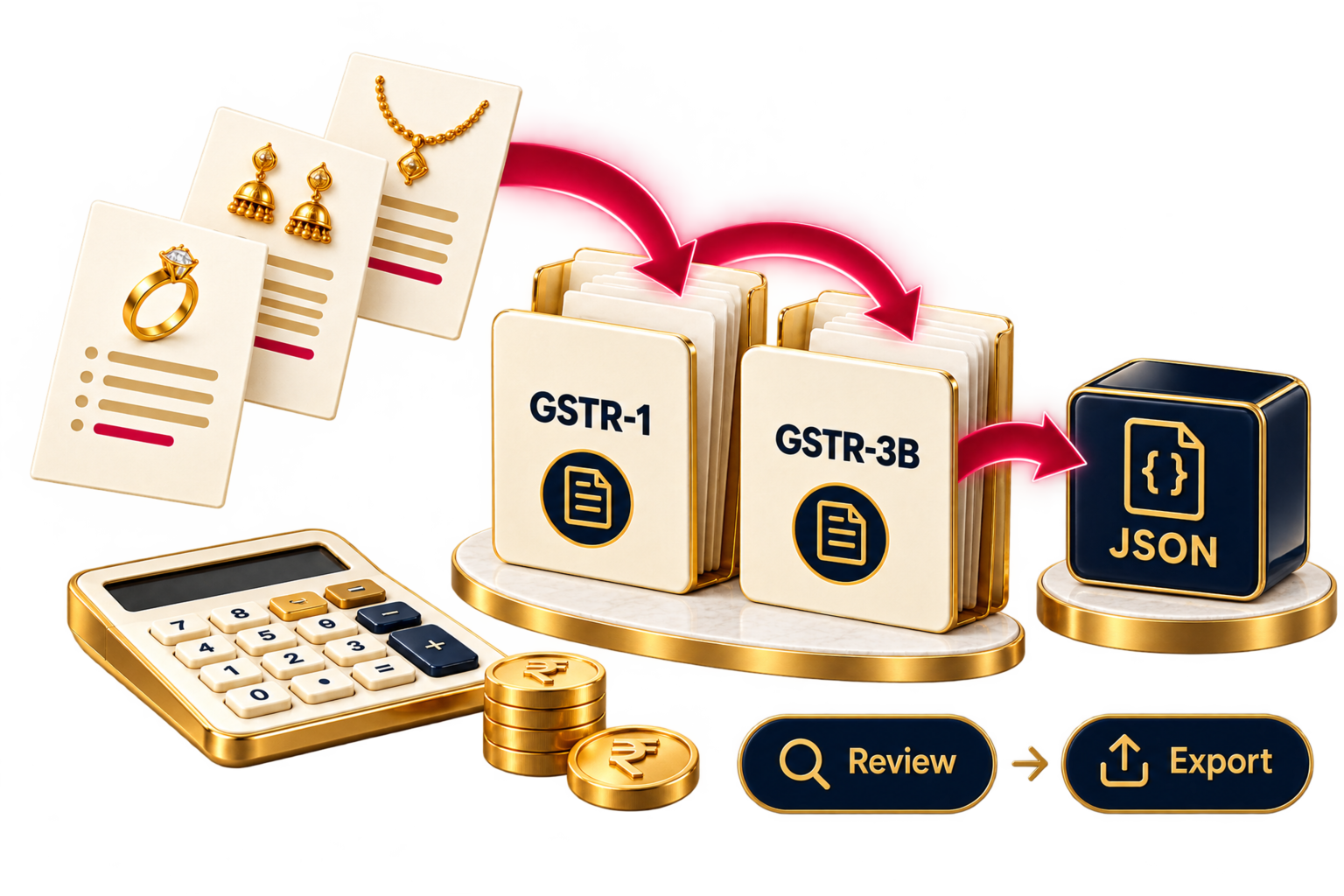
Prepare the return files for upload.
GST reports and HSN summaries in the same system.
- 1Review records
- 2Prepare return
- 3Export JSON
Customers and WhatsApp
Every walk-in becomes a customer you can reach again.
-
Leads board, templates and wishes.
More about leads & whatsapp
Customer profiles with history and duplicate merge. A leads board, queue, analytics and automation. WhatsApp through your linked phone, with templates, campaigns and automatic birthday and anniversary wishes.

Profiles keep customer history together.
WhatsApp templates, campaigns and occasion wishes.
- 1Capture lead
- 2Follow up
- 3Keep in touch
Staff
Attendance by face, checked on the phone itself.
-
Face check-in on the phone, payroll on the web.
More about hr & face attendance
14 HR screens on the web, from payroll and leave to karigar performance. Face attendance runs on the phone itself, on a shared kiosk phone or a staff member's own, with an anti-spoof check.

Face checks run on a staff or shared kiosk phone.
Manage attendance, leave and payroll on the web.
- 1Face check-in
- 2Review attendance
- 3Run payroll
AI Studio
One phone photo. Catalogue renders in about two minutes.
-
Photo to catalogue render in about two minutes.
More about ai studio
Photograph a piece on the counter and get catalogue renders in about two minutes: 5 style packs of 3 shots each. Batch a whole tray at once and link each render to its stock design. On the web app, Android and iOS.

Five style packs with three shots each.
Link each render to its stock design.
- 1Add photo
- 2Choose style
- 3Use renders
Printers, scales and print layouts
Your counter's hardware, connected through the Device Agent. Its packaged installer is coming soon.
-
Scales & printers
Receipt and label printers, weighing scales.
More about scales & printers
The Device Agent, a small Windows tray app on the counter PC, finds USB and network receipt printers, label printers and weighing scales. Its packaged installer is coming soon. Bluetooth thermal printers work from the phone.
-
Print & label designer
8 print layouts. Your own tags.
More about print & label designer
8 layouts, from the sales invoice and cash memo to the pawn ticket and the thermal estimate, on A4, A5 or thermal. A label designer for item tags and chit labels.
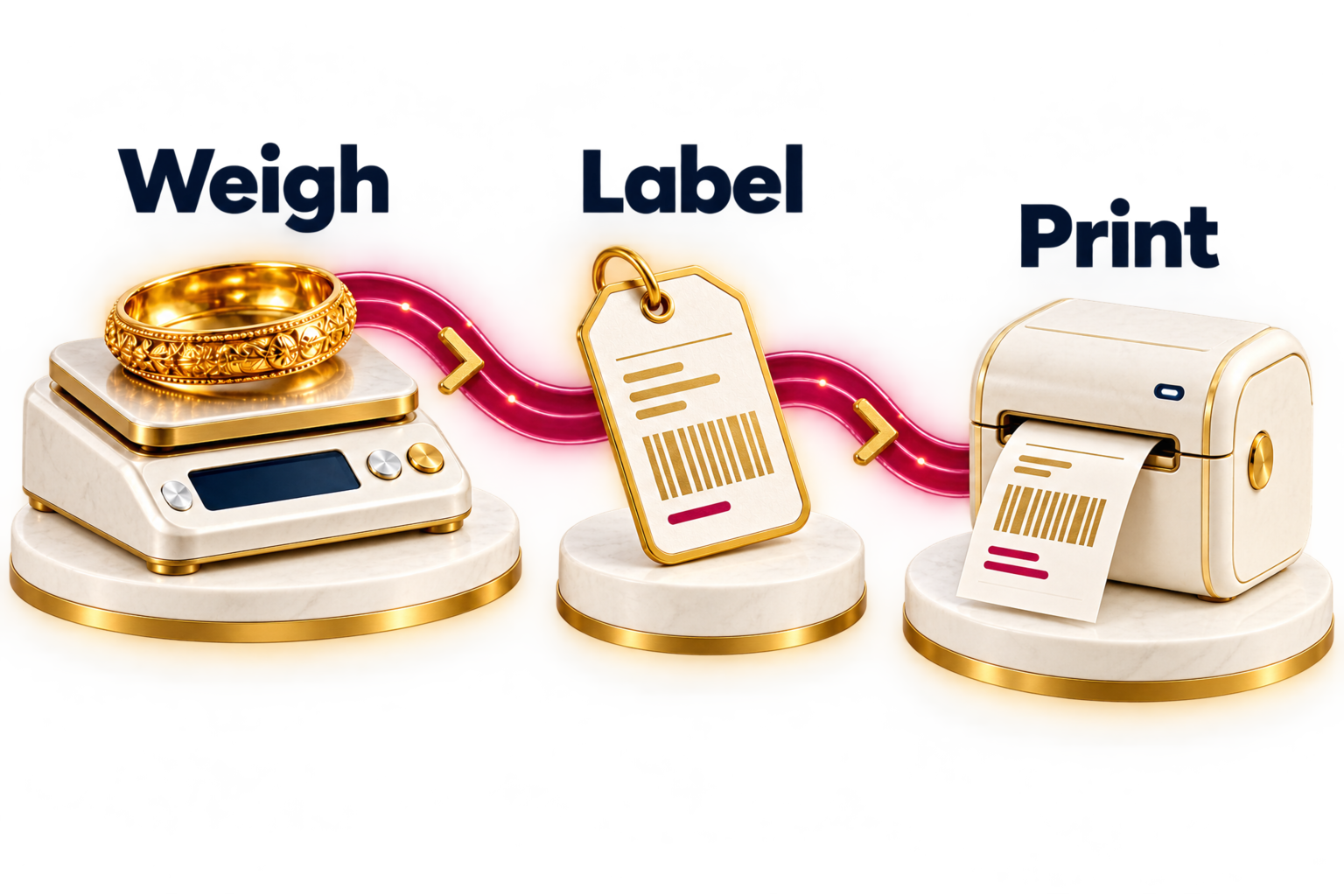
Layouts for A4, A5 and thermal printing.
Design item tags and saving-scheme labels.
- 1Choose layout
- 2Arrange fields
- 3Print
Branches and roles
Staff see what they need. You see everything.
-
Per-branch modules, prefixes and roles.
More about branches & roles
On the Enterprise plan, switch modules on per branch, with each branch's own bill prefixes, numbering and profile. Rates are shared across branches with a branch override. A role builder decides what each staff tier can see and do. Company database backup is built in.
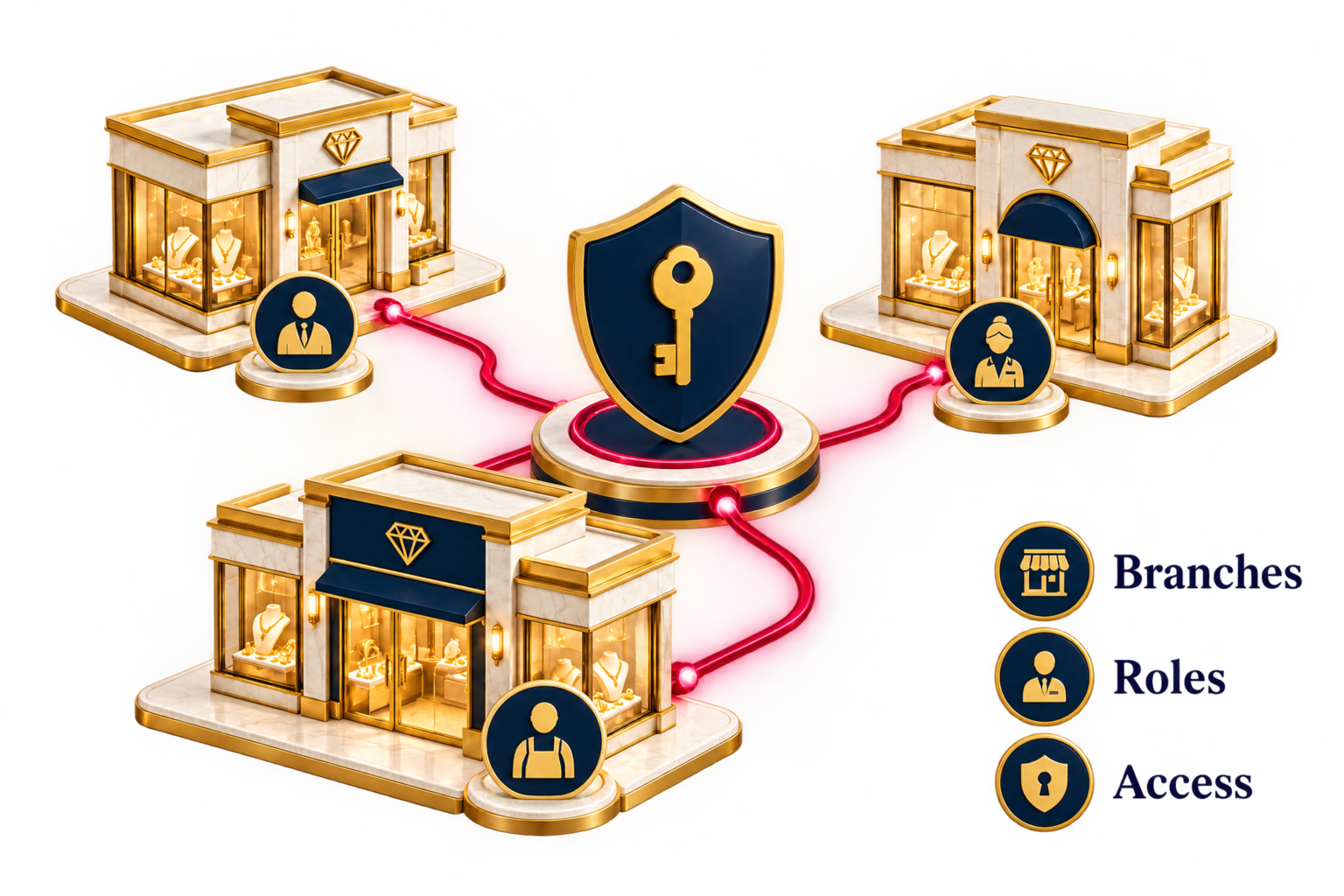
Give each branch its own bill prefixes and numbering.
Define what each staff tier can see and do.
- 1Set up branch
- 2Choose modules
- 3Assign roles
Free demo
See it on your own stock.
A demo with your own items, rates and bill format. Live in a week.