24Gold AI Studio
Catalogue photos from one phone photo.
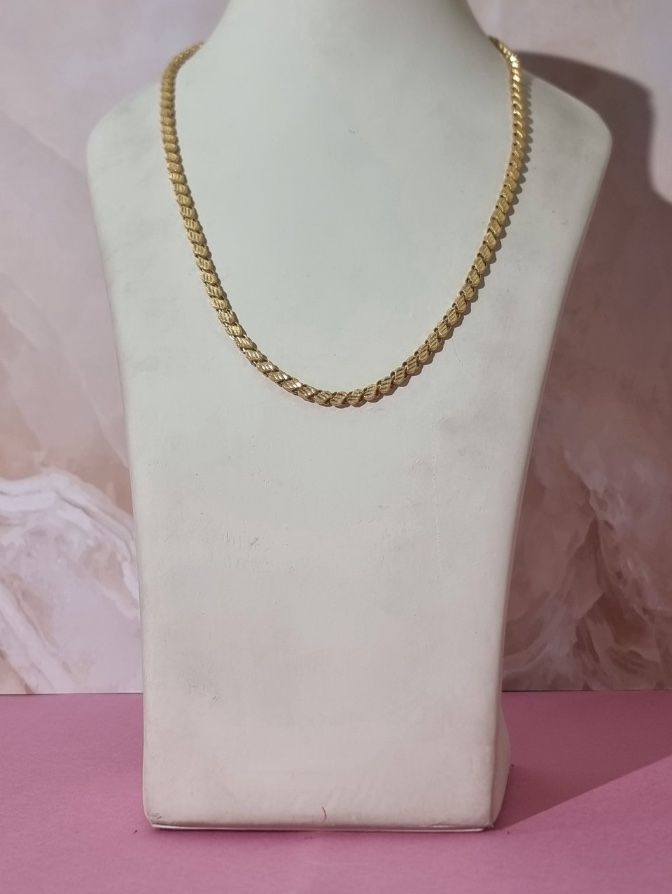
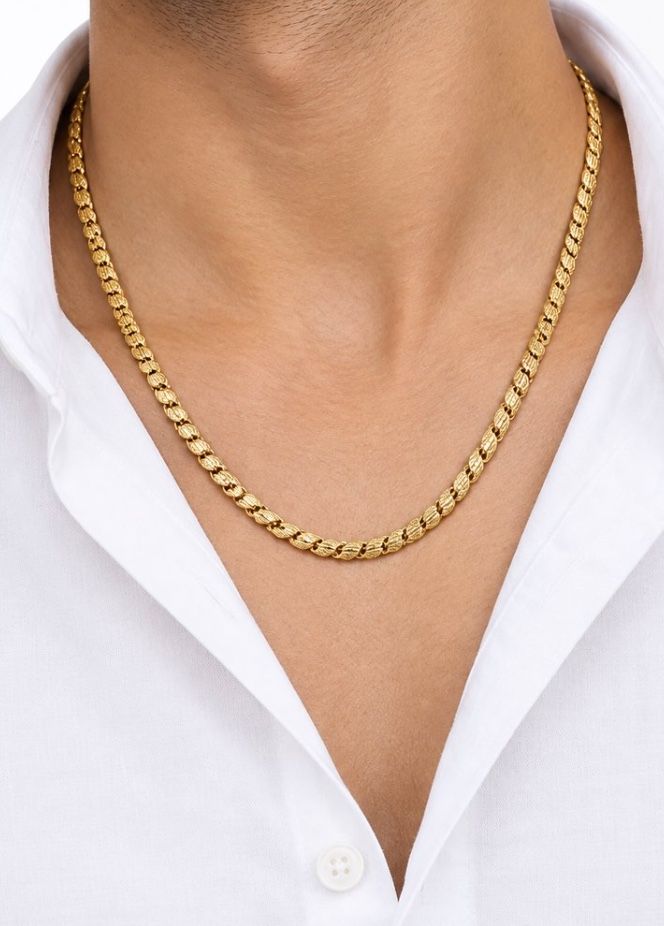
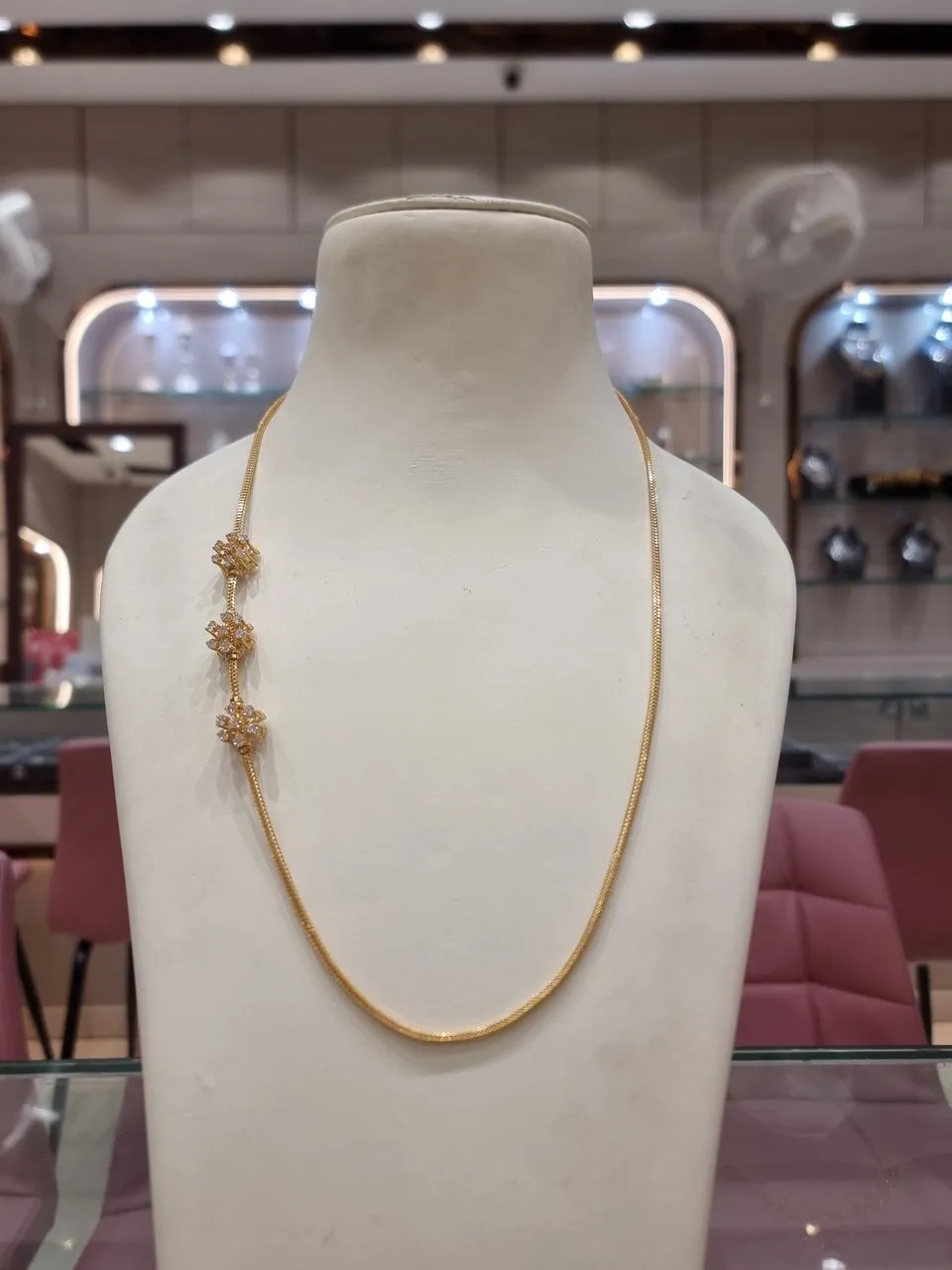
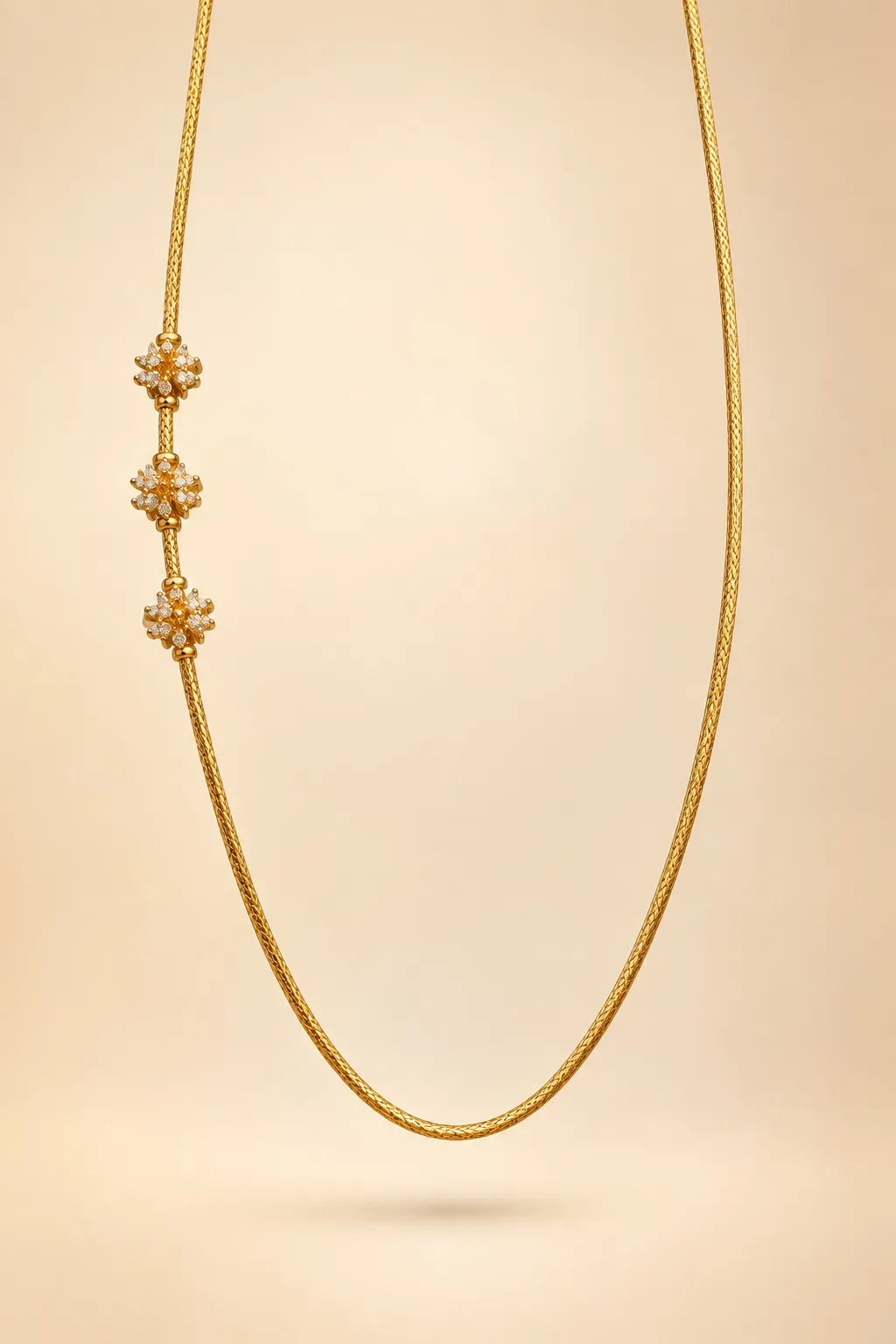
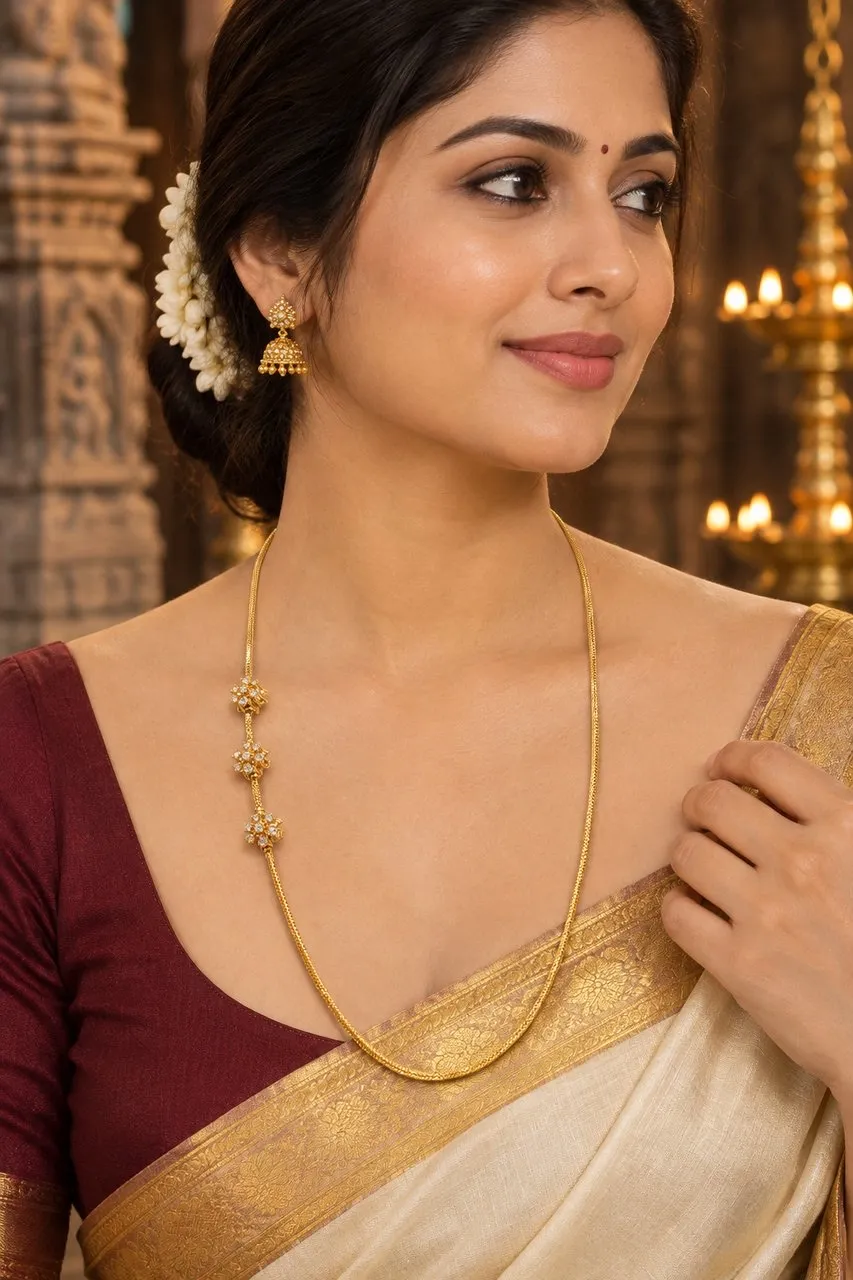
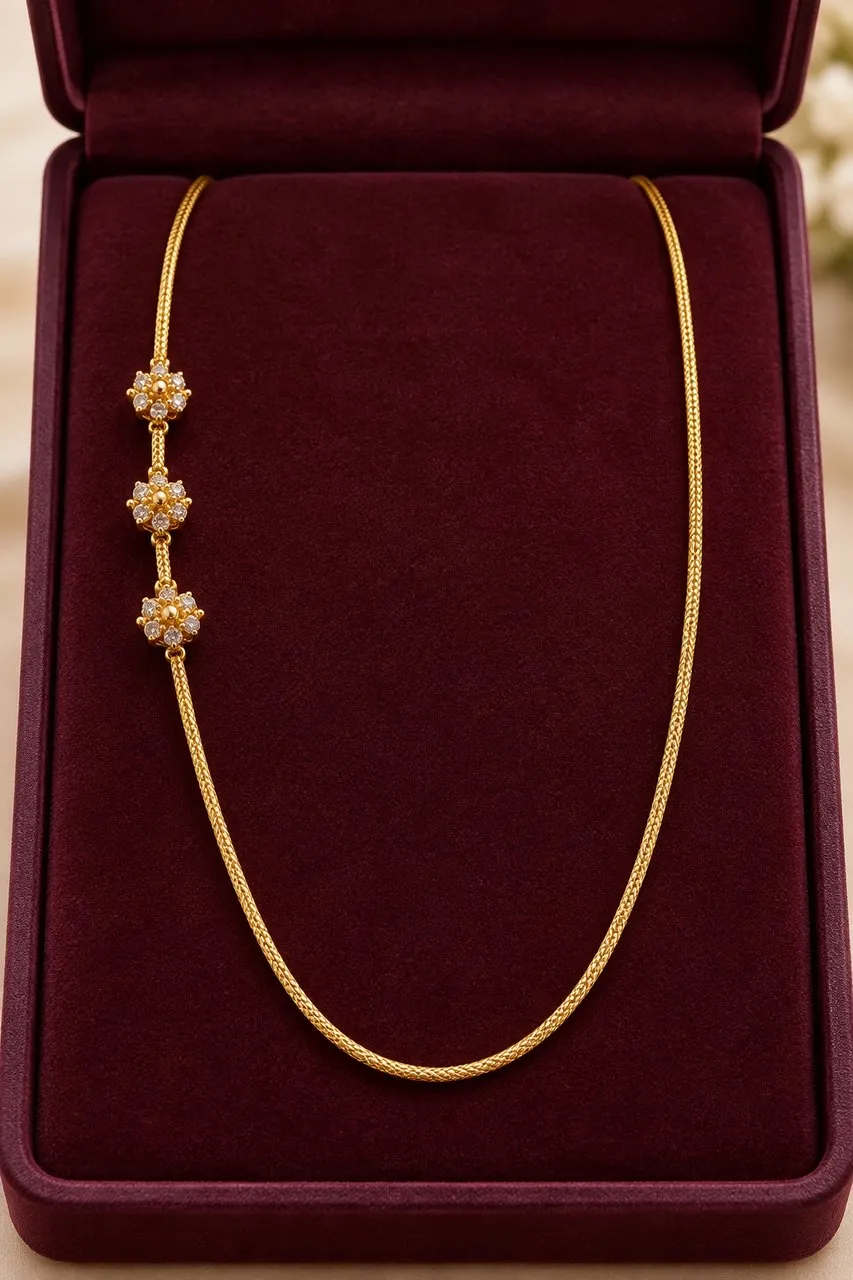
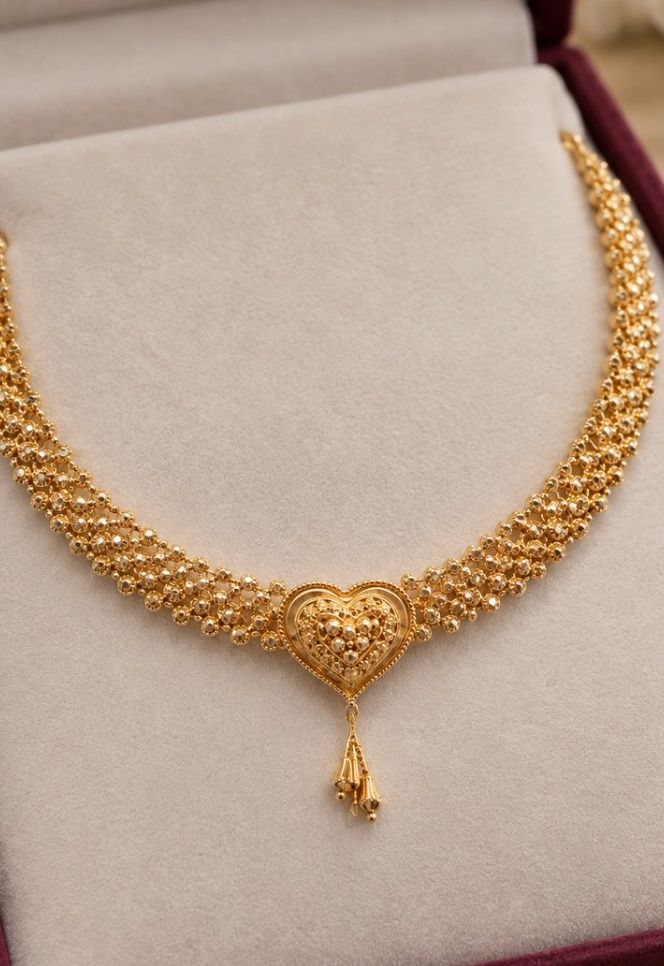
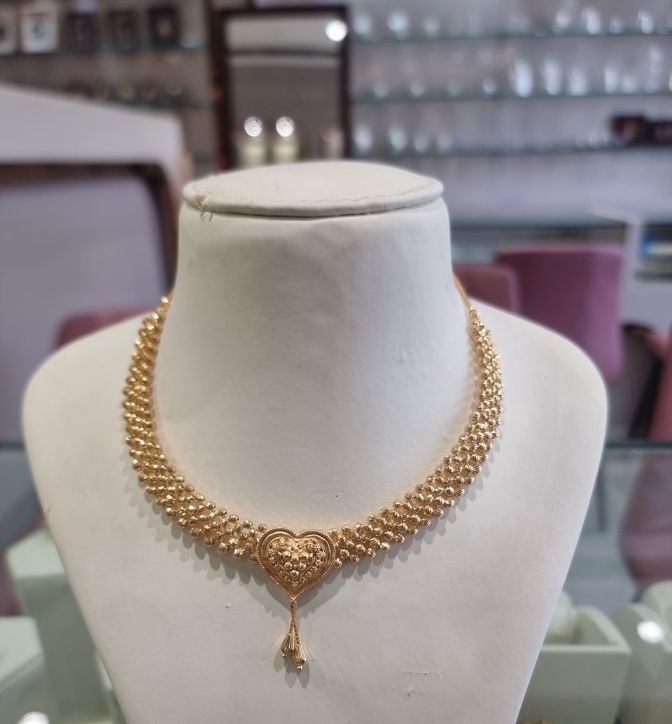
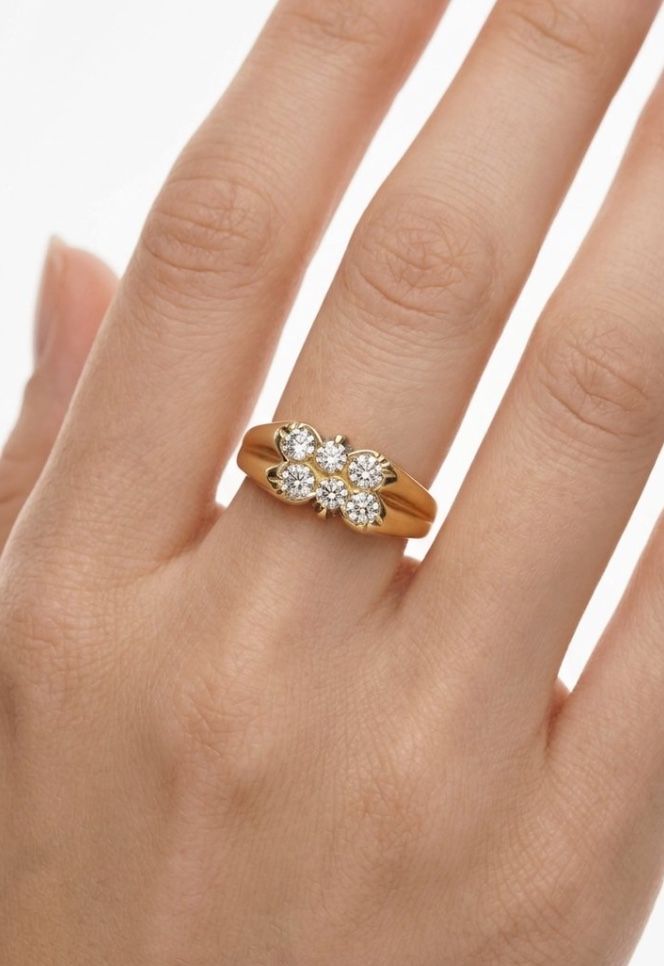
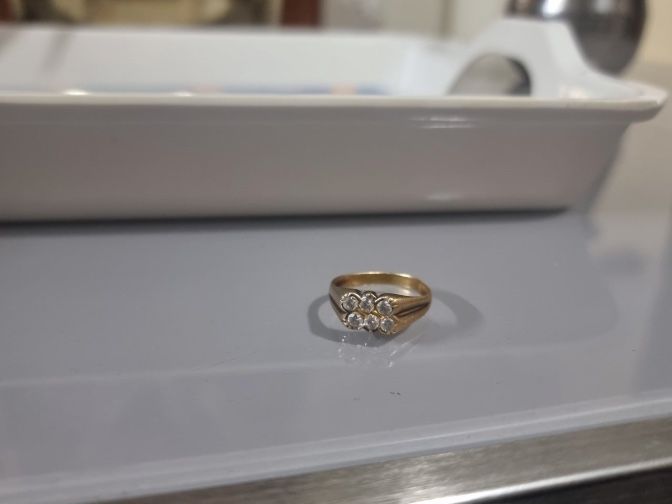
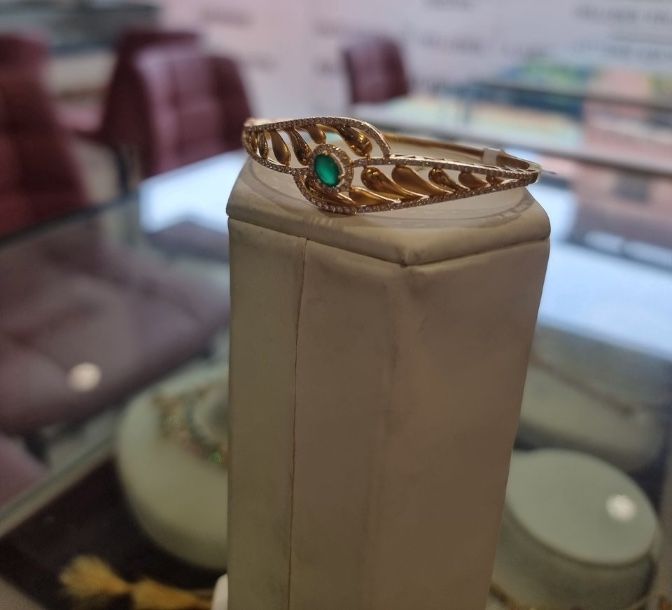
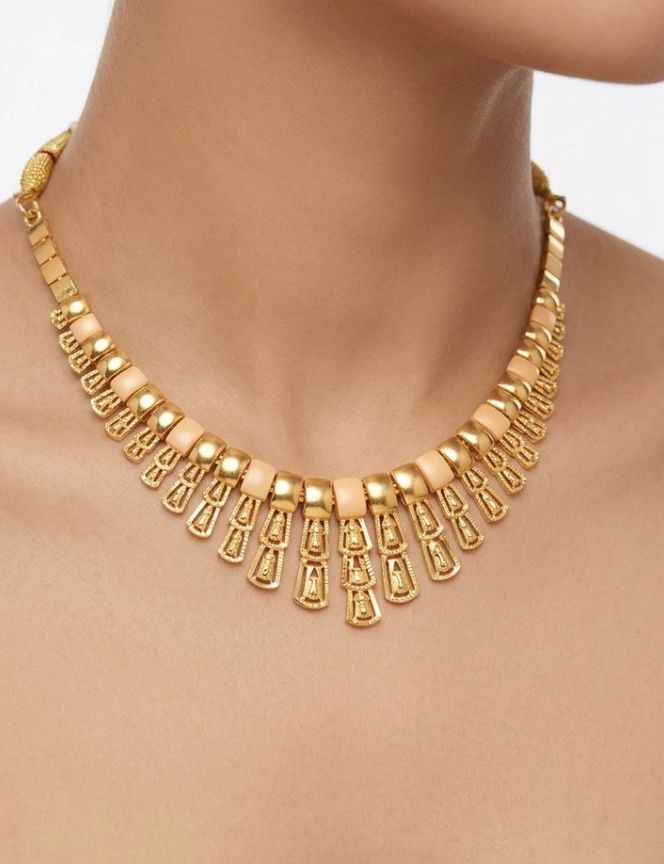
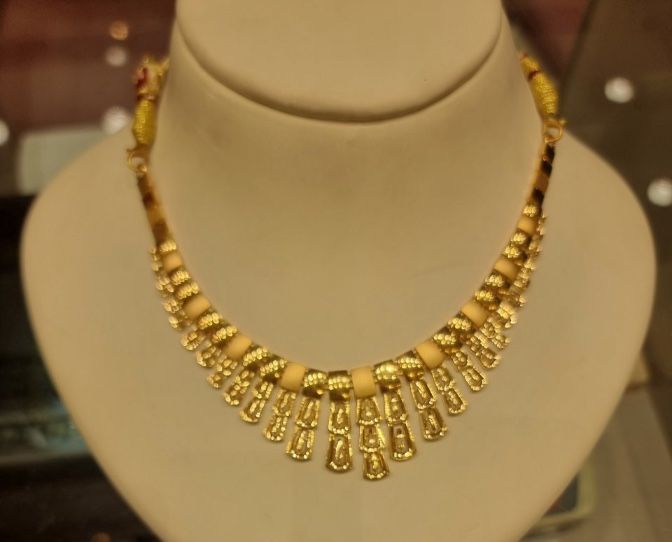
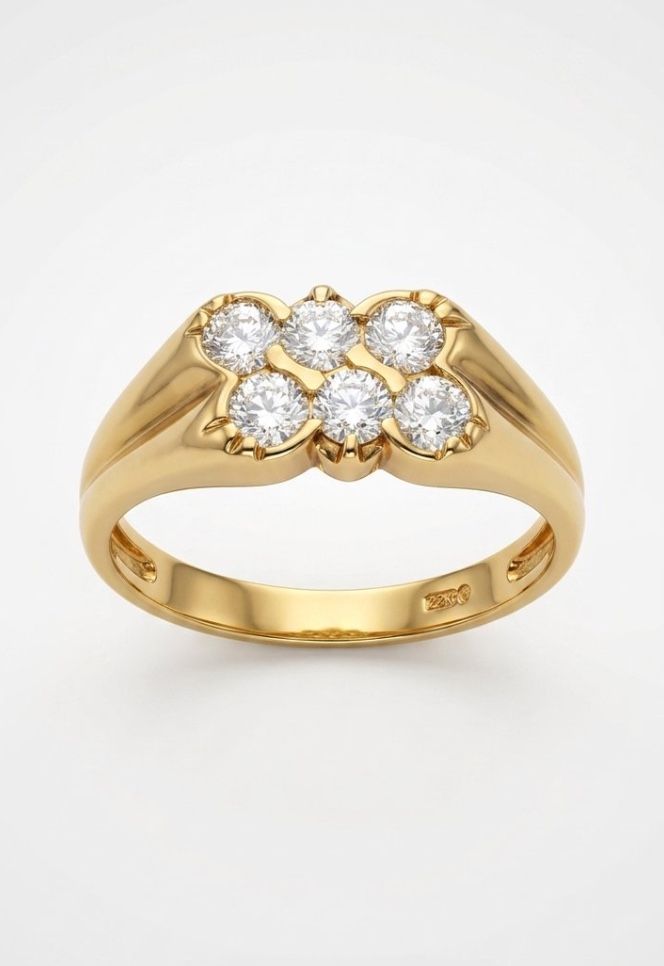
Shoot a piece on the counter. In about two minutes AI Studio returns it as catalogue renders: worn, boxed or styled, ready for your catalogue and WhatsApp.
24Gold AI Studio
One phone photo.
Three catalogue shots.
Two minutes.
Shoot a piece on the counter. AI Studio returns it worn by a model, laid in a velvet box or floating on a clean backdrop, ready for WhatsApp and Instagram. No photographer, no studio hire.
- 1 Photograph your piece
- 2 Choose a style
- 3 Link to your stock
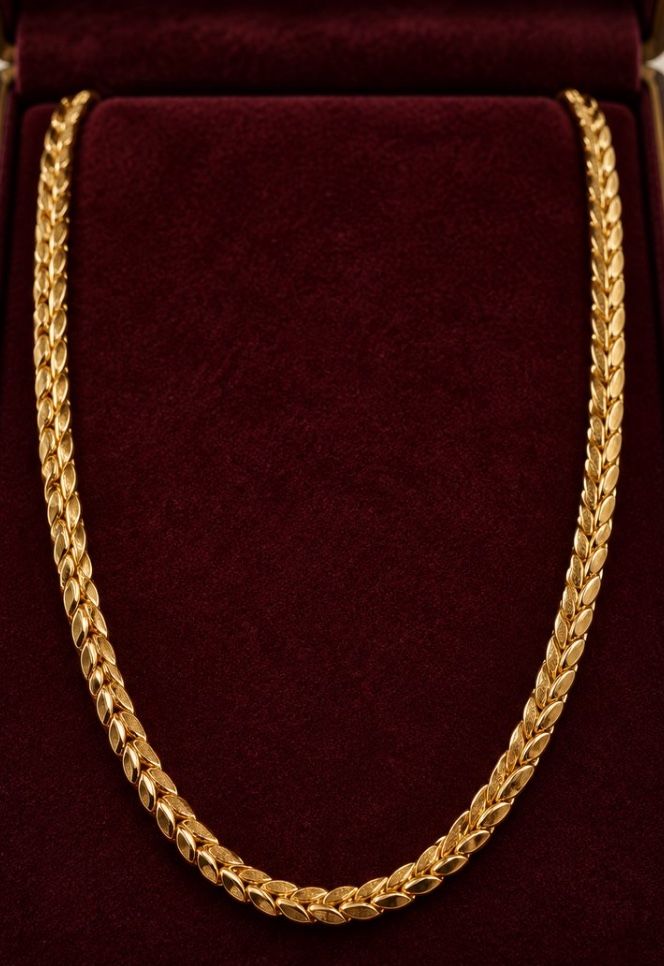
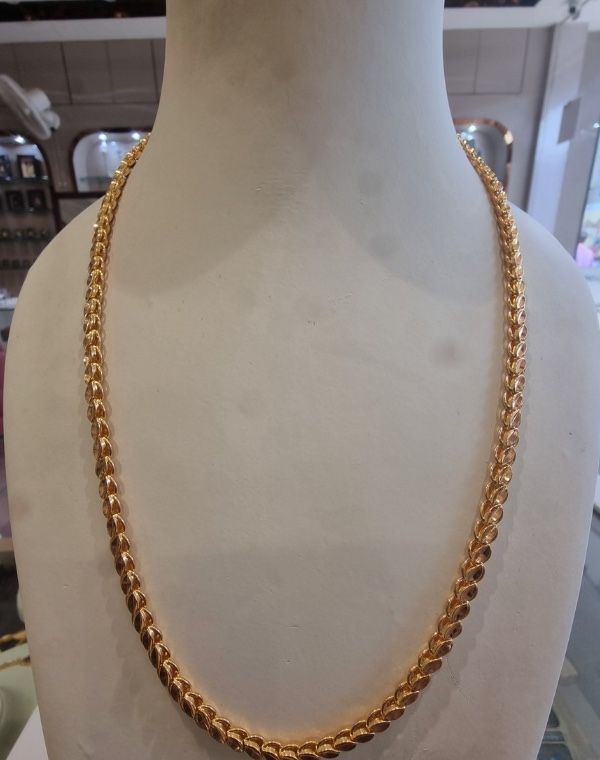
A real result from a 24Gold shop. 5 style packs, 15 looks, on the web app, Android and iOS.
AI Studio results
Every style your customer scrolls past.
- Catalogue Essentials
- Worn & Real
- Bridal & Festive
- Luxury Editorial
- Detail Study
Real results from a 24Gold shop. 5 style packs of 3 shots each. Batch a whole tray at once and link each render to its stock design, on the web app, Android and iOS.
-
-
-
-
-
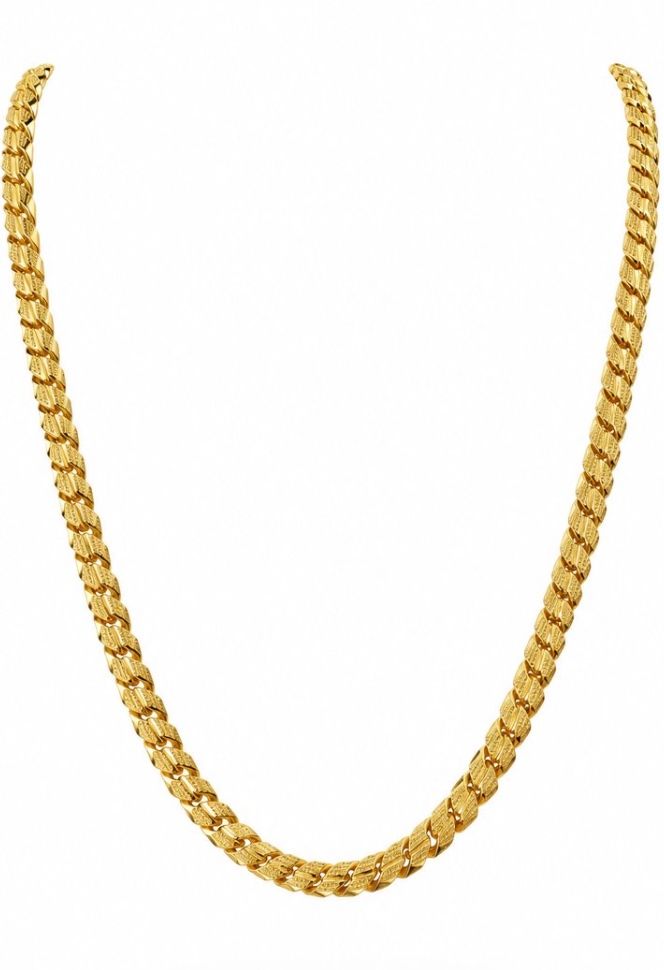
-
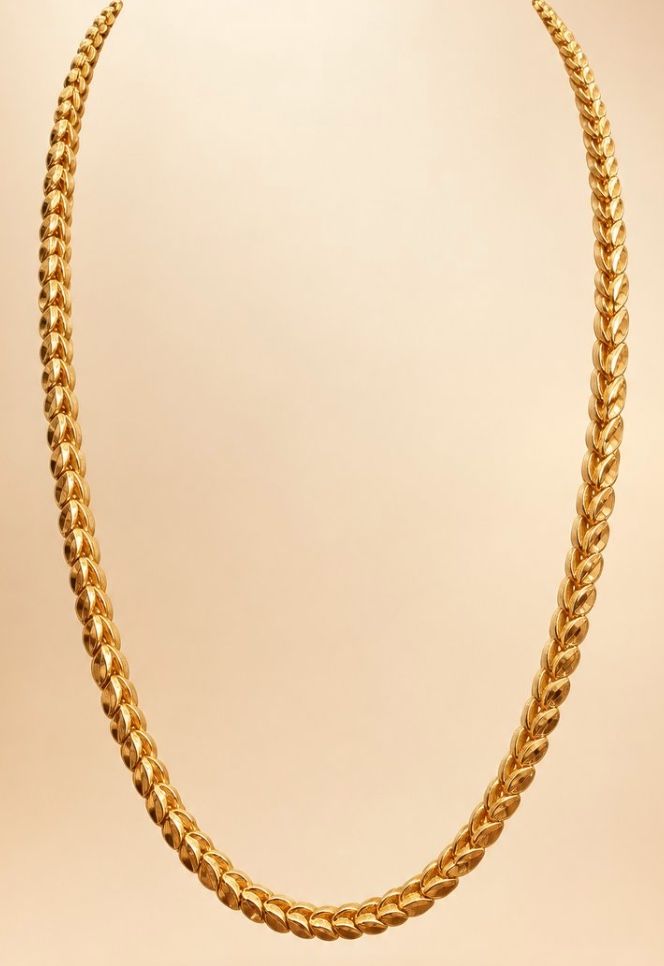
-
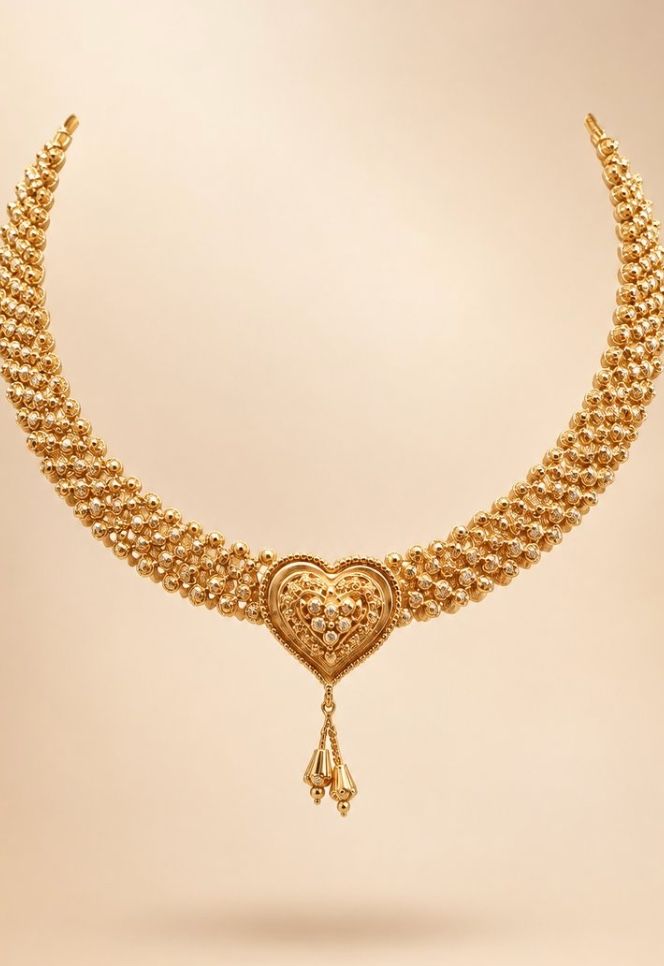
-
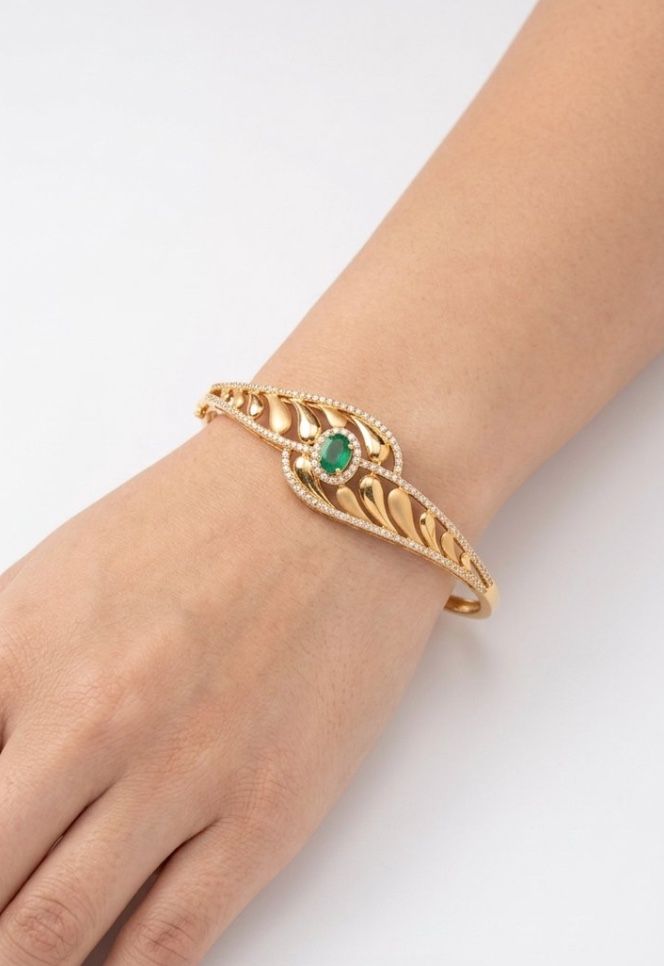
-
-


Five style packs. Three shots each.
-
Catalogue Essentials
Clean commerce shots for your website and marketplaces
- Product only, white
- Product only, black velvet
- Floating showcase, gradient
-
Worn & Real
Shows scale and how the piece sits when worn
- On model, white
- Hand closeup, white
- On mannequin, gradient
-
Bridal & Festive
Warm festive styling for wedding and season campaigns
- On model, temple
- Mehendi hands, festive marigold
- Product only, festive marigold
-
Luxury Editorial
Premium magazine styling for social and brand posts
- Product only, marble
- Floating showcase, luxury boutique
- Product only, silk drape
-
Detail Study
Close work that proves the craftsmanship
- Hand closeup on black velvet, tight on the engraving
- Product only on white, tight on the stones
- Product only, marble
How it works
Photograph the piece
On the counter, with the Android or iOS app, or upload a photo in the web app.
Pick a pack
Five packs of three shots each. Batch a whole tray at once.
Use the renders
They arrive in about two minutes. Link each one to its stock design.