Questions
What does 24Gold do as jewellery software?
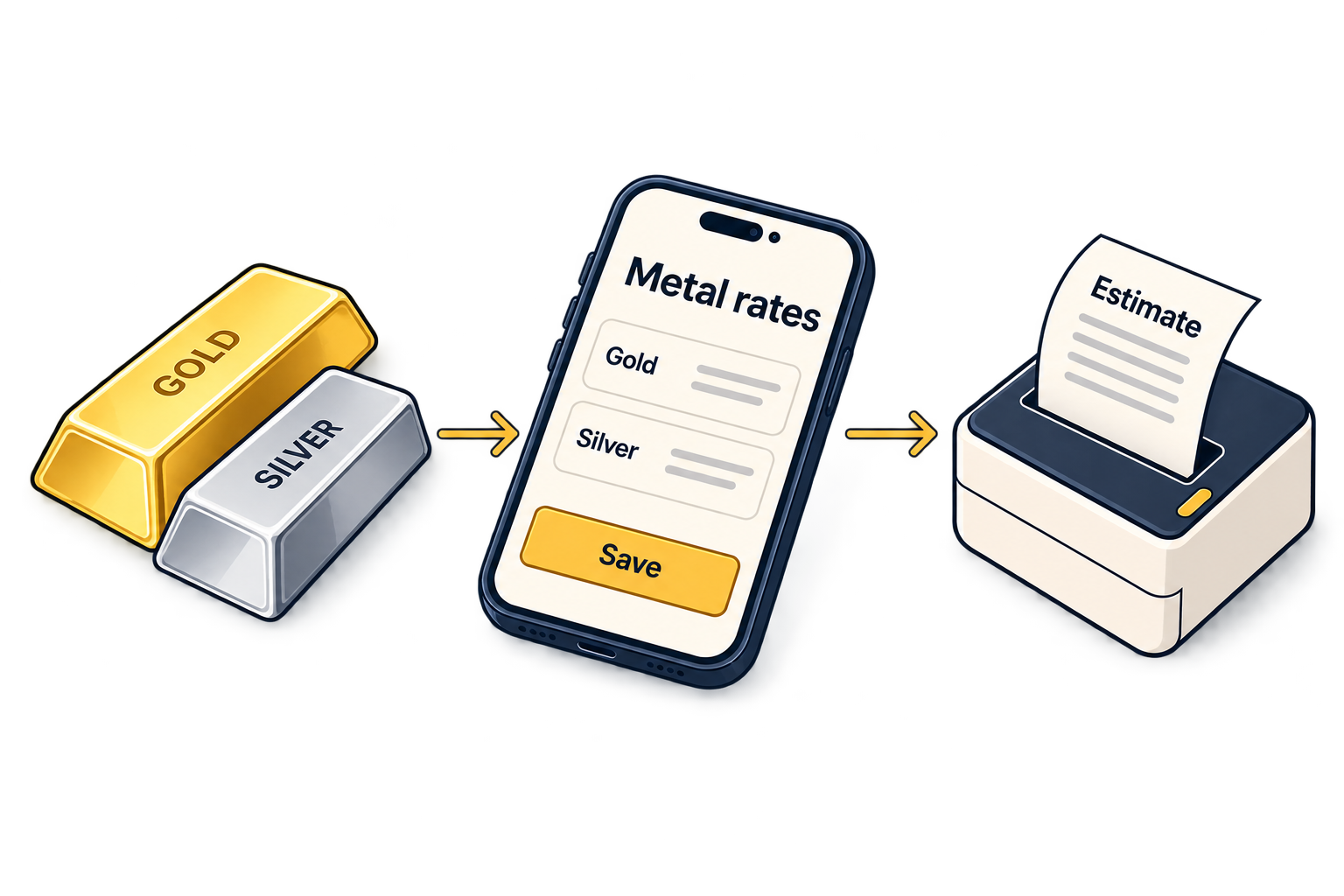
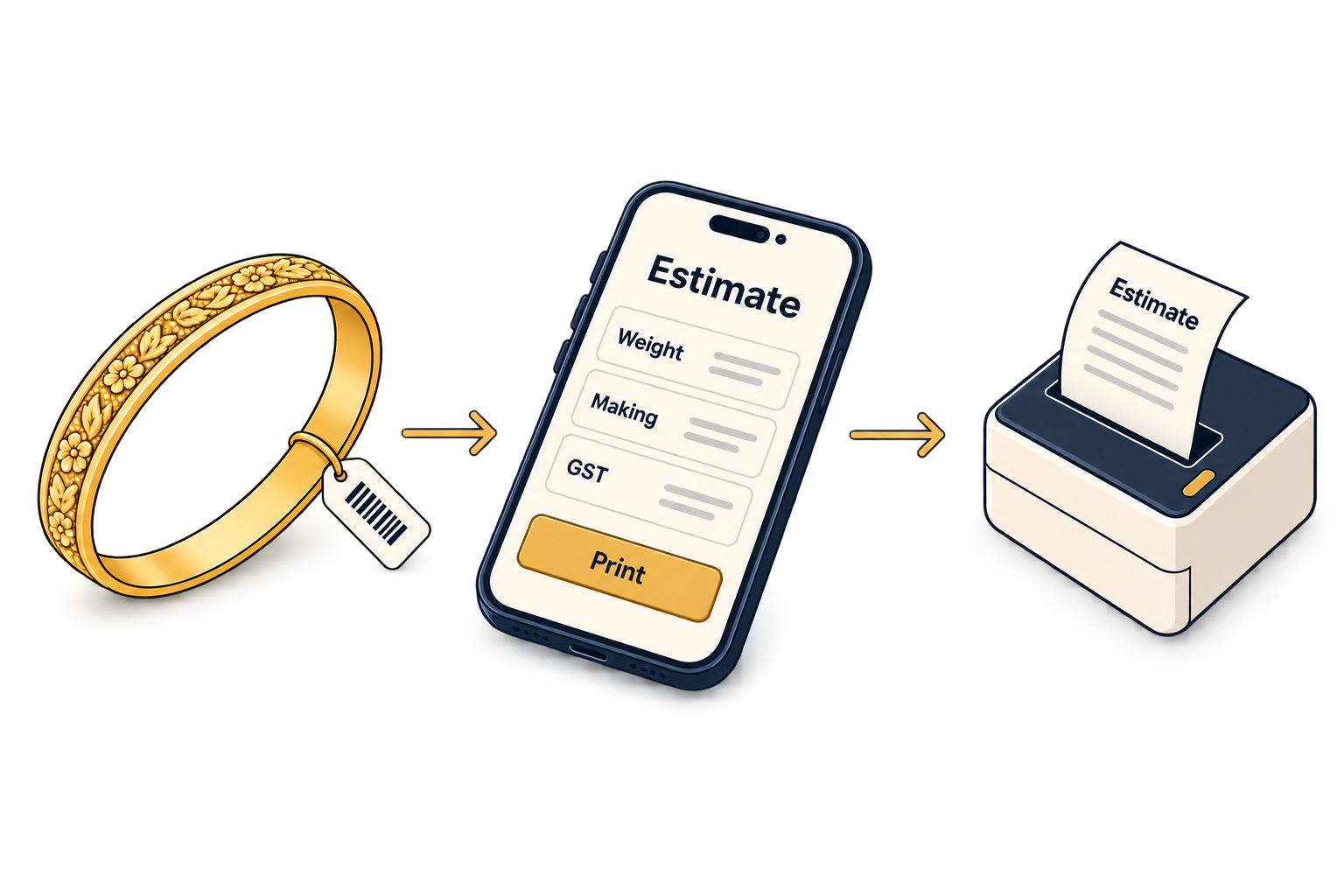
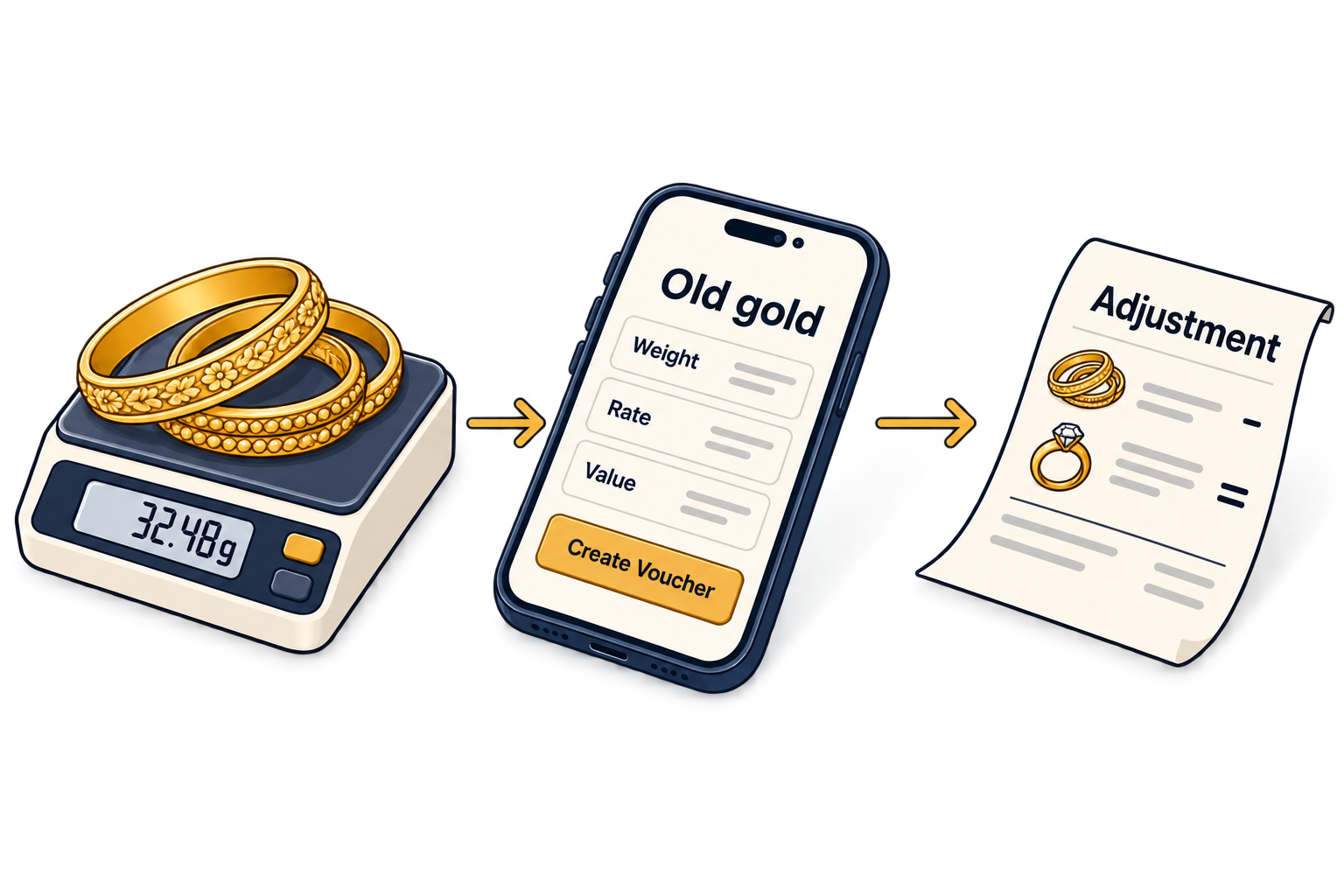
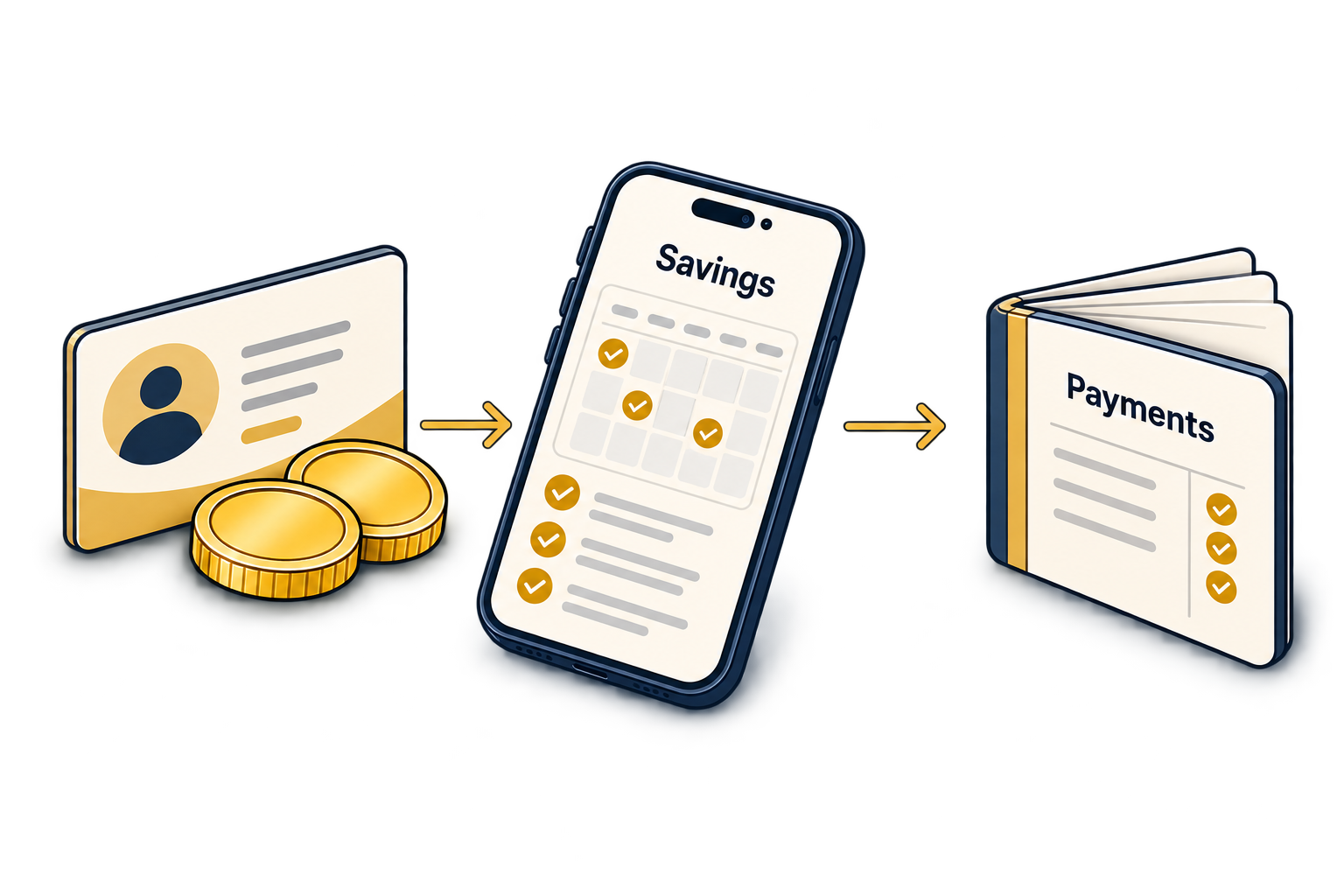
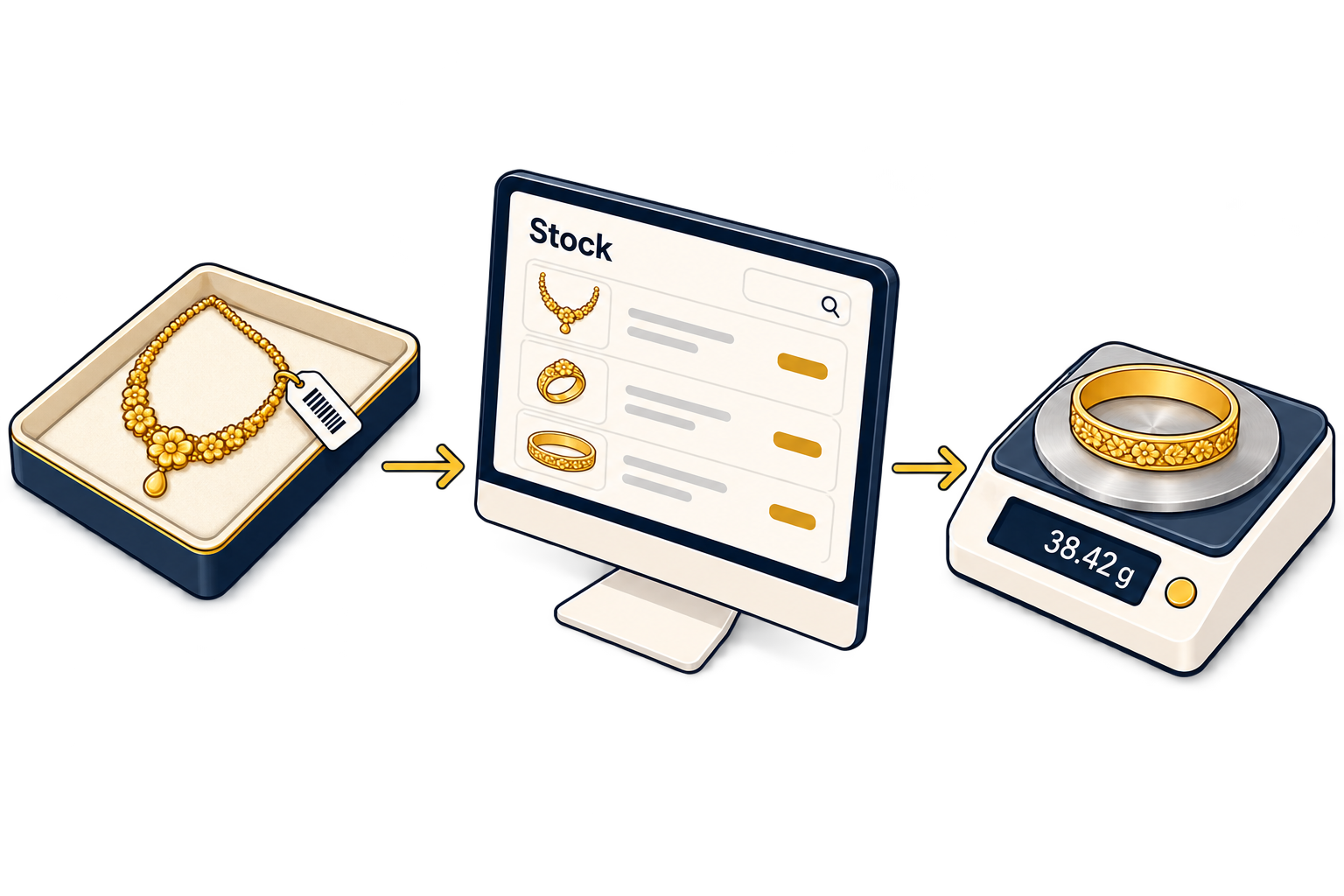
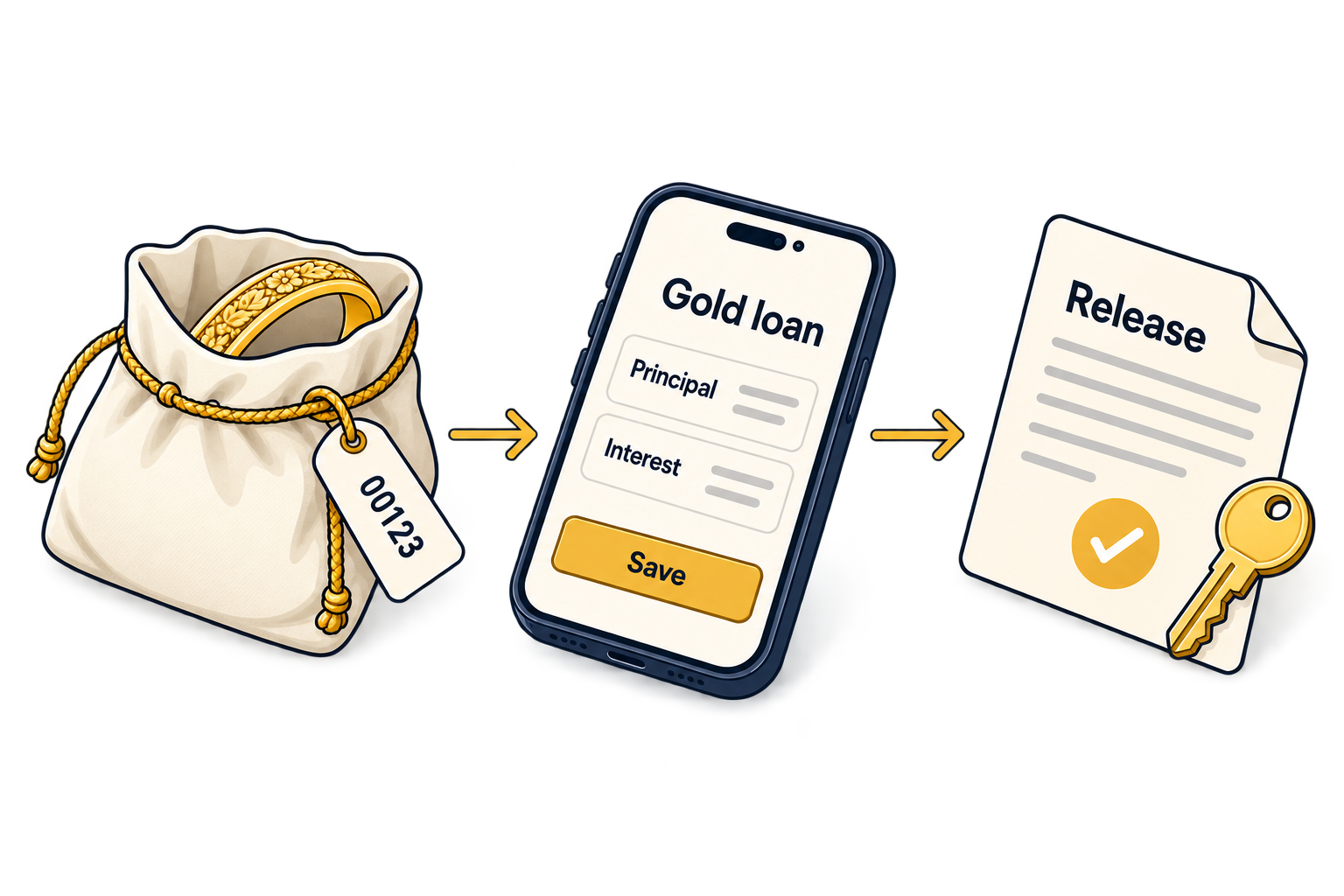
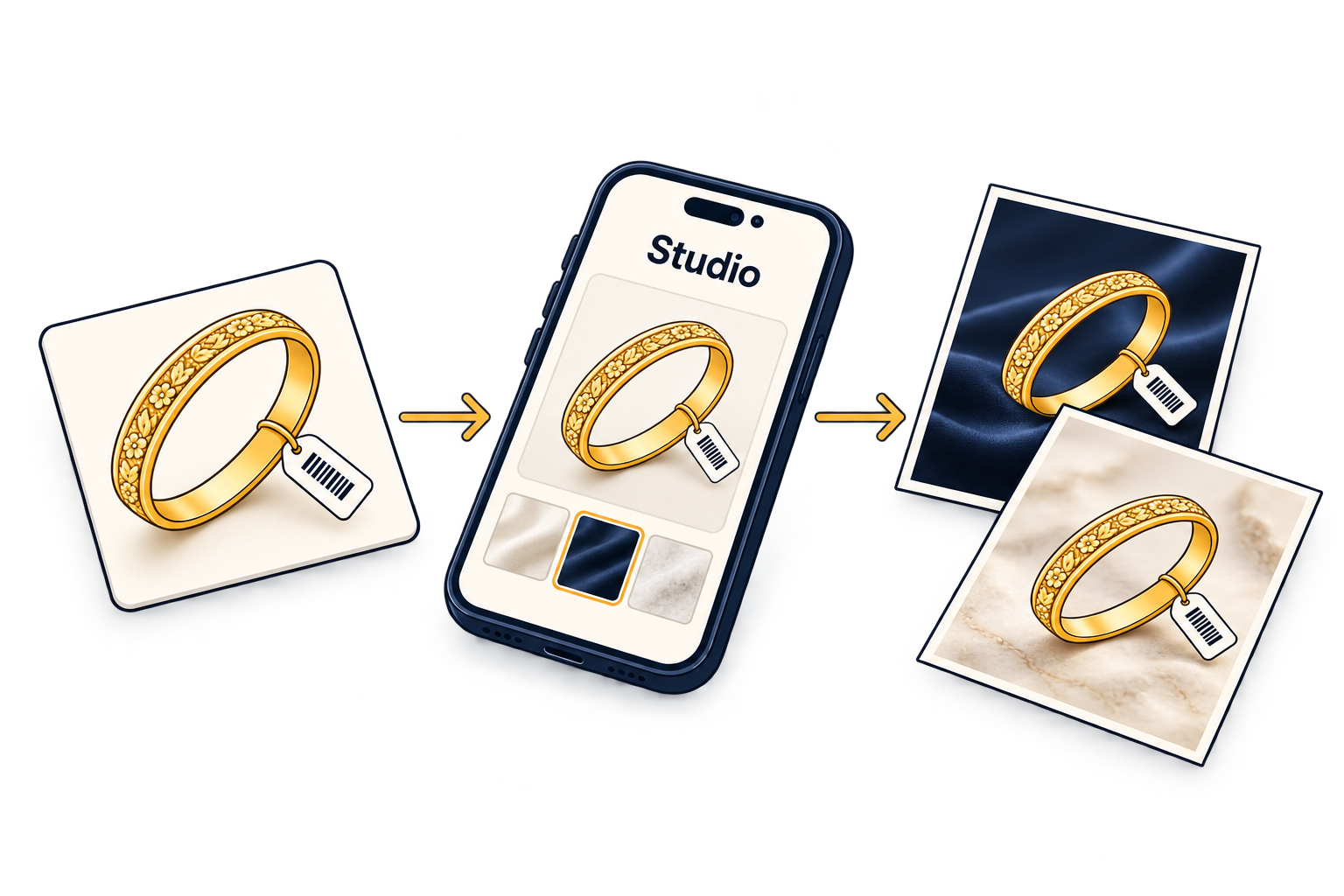
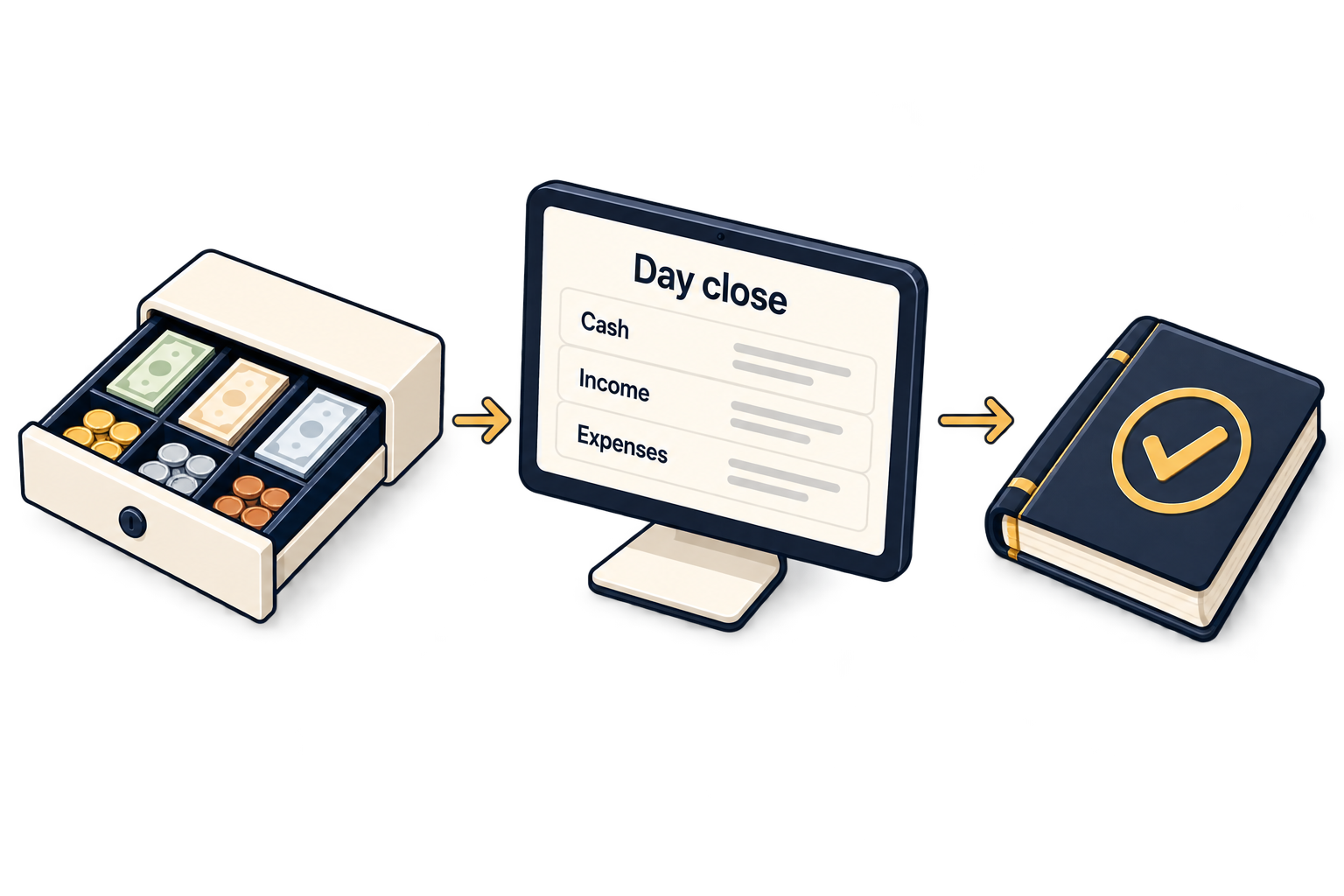
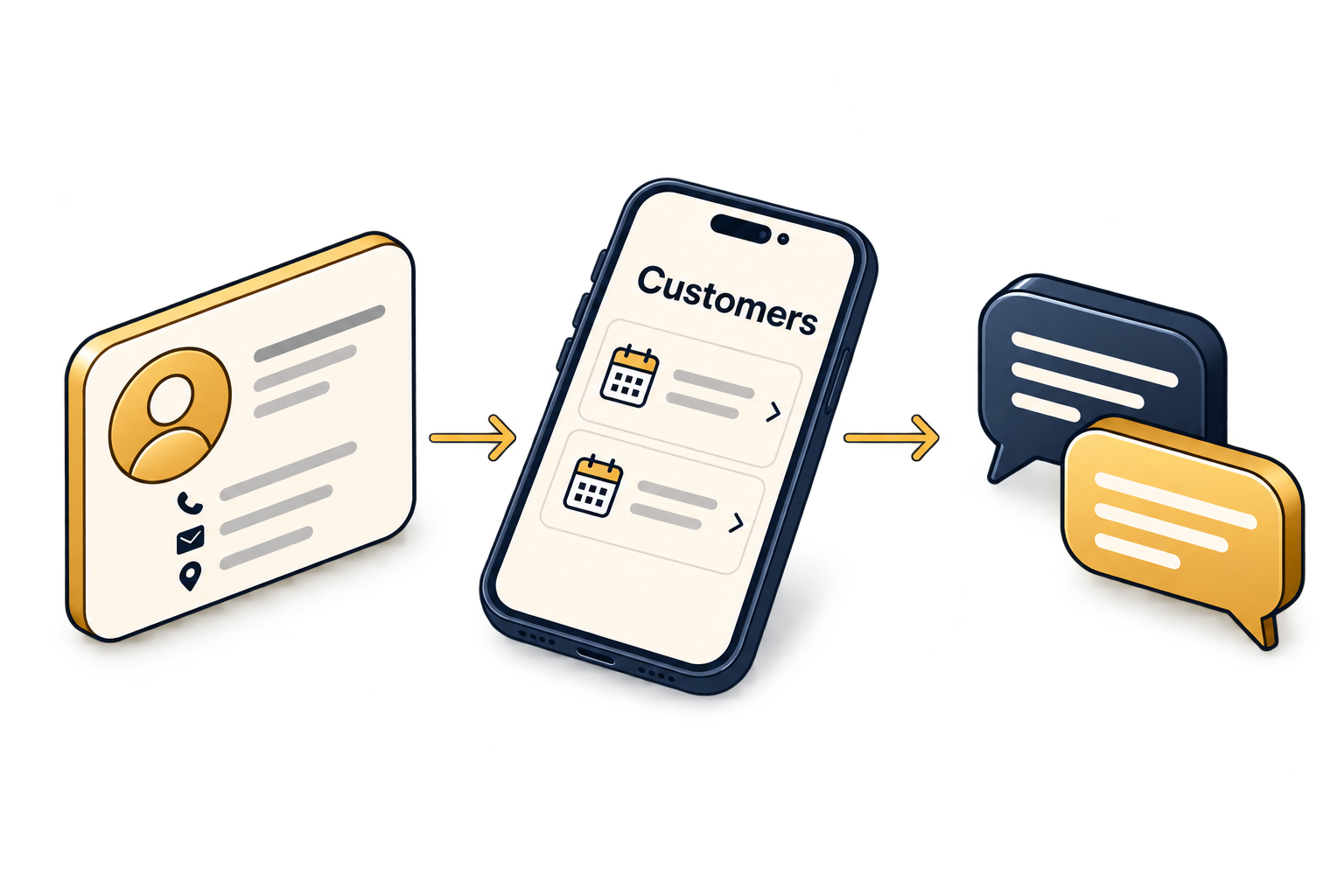
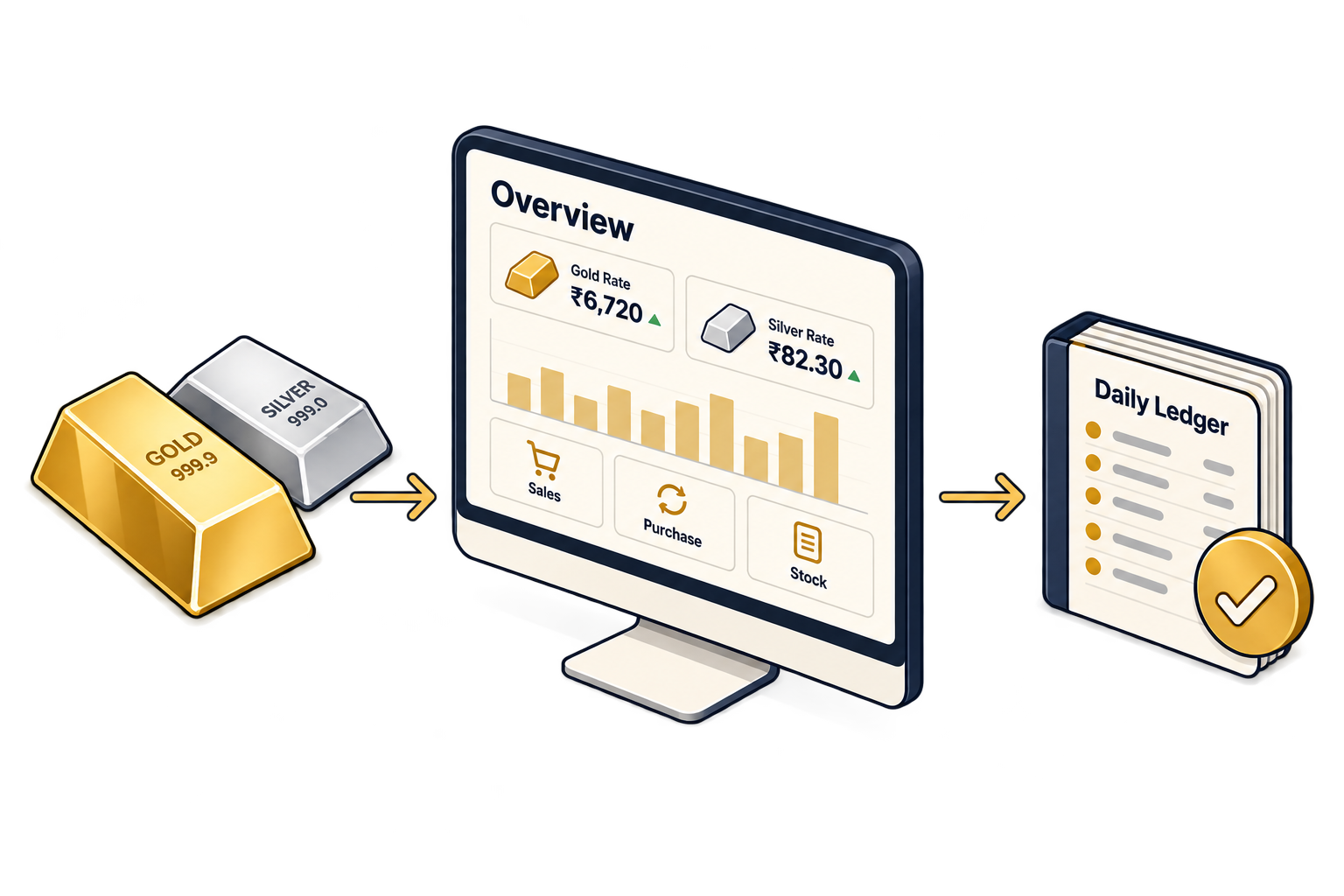
It runs the whole jewellery shop in one system: billing and estimates, old gold, repairs, stock with HUID tags, karigars and suppliers, saving schemes, gold loans, GST returns, reports with a Tally export, customers and WhatsApp, staff attendance and AI Studio catalogue photos. On the web app, Android and iOS. See every feature
Which is the best jewellery software for my shop?
The one that handles your counter’s own work: wastage, making and GST on the bill, HUID on every tag, old gold, and the schemes or gold loans you run. Test any jewellery software on your own stock in a demo. Our checklist lists what to try. How to choose jewellery software
Does it work with my thermal printer and weighing scale?
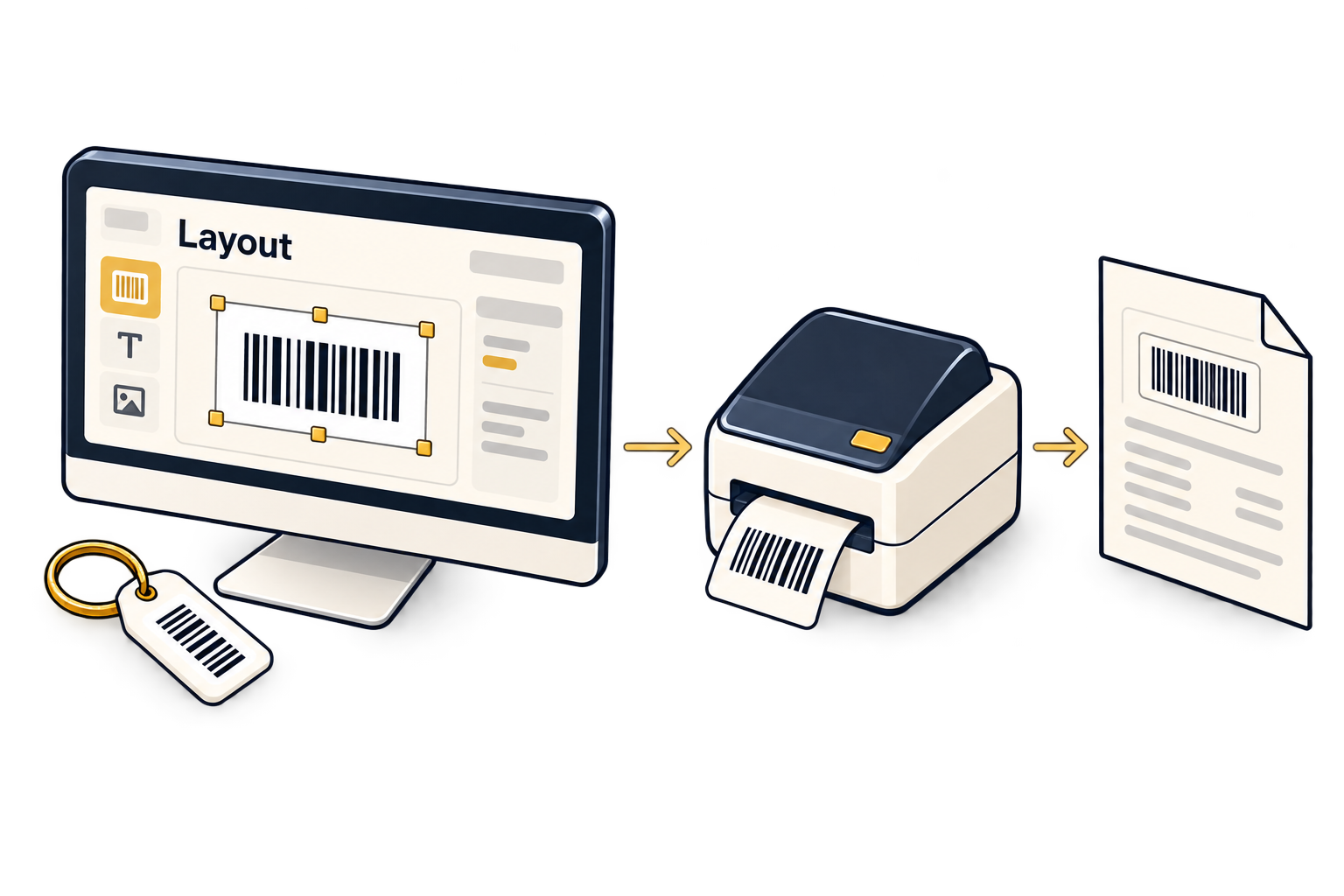
It depends on the device. The mobile app prints to Bluetooth thermal printers: classic Bluetooth printers on Android, Bluetooth LE (BLE) printers on iPhone. On the counter PC, the 24Gold Device Agent, a small Windows tray app, finds USB and network receipt printers, label printers and weighing scales. Its packaged installer is coming soon. Tell us your model and we will confirm it.
Can you bring in my current stock?
Yes. Setup includes importing your tag stock, and your running gold loans on Pro and Enterprise, so you start billing from your own data.
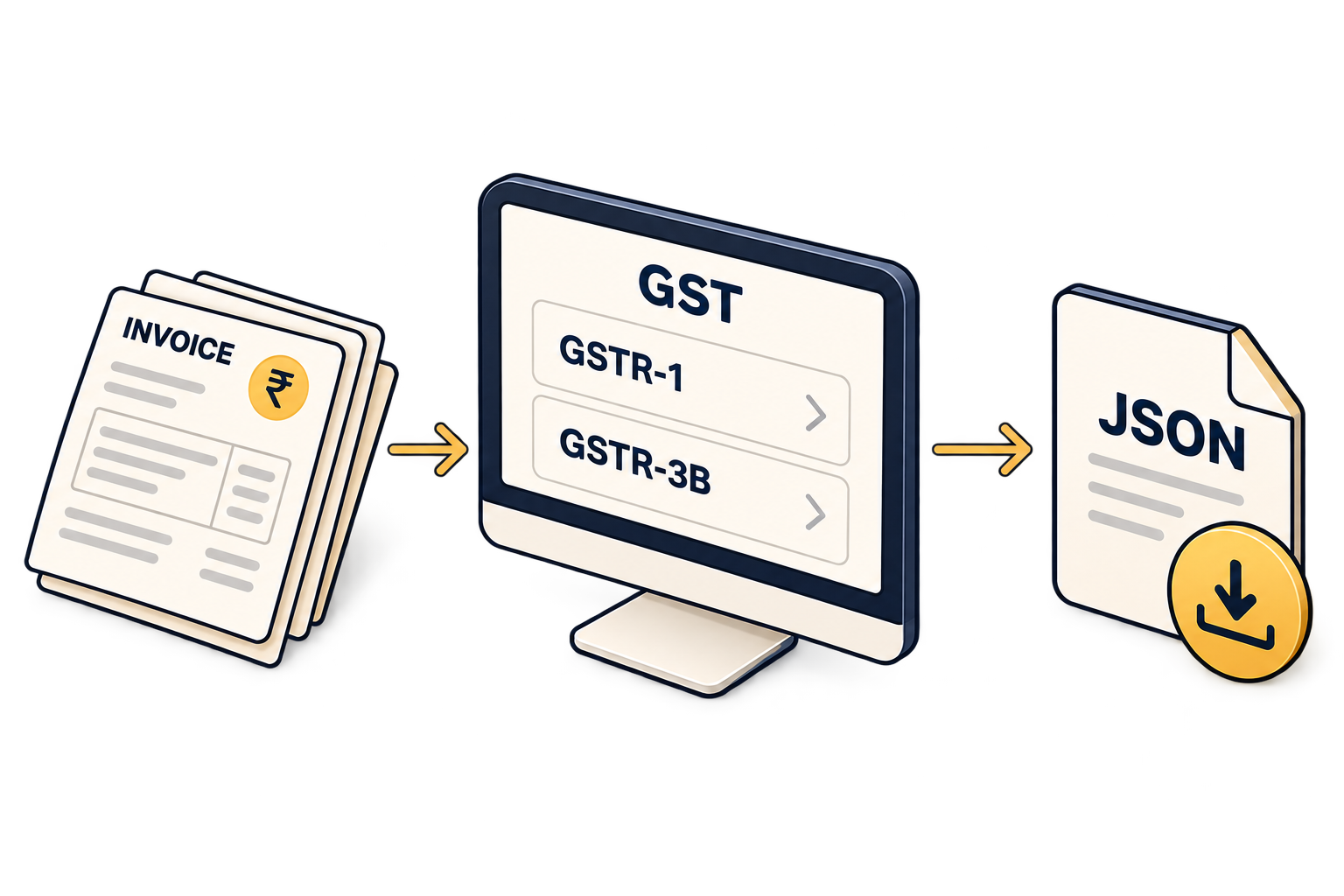
Does 24Gold file my GST returns?
No. It prepares GSTR-1 (B2B, B2CL, B2CS, HSN and documents) and GSTR-3B as JSON ready to upload on the GST portal, with QRMP and GSTIN checks. You or your accountant upload and file them.
Can I run more than one branch?
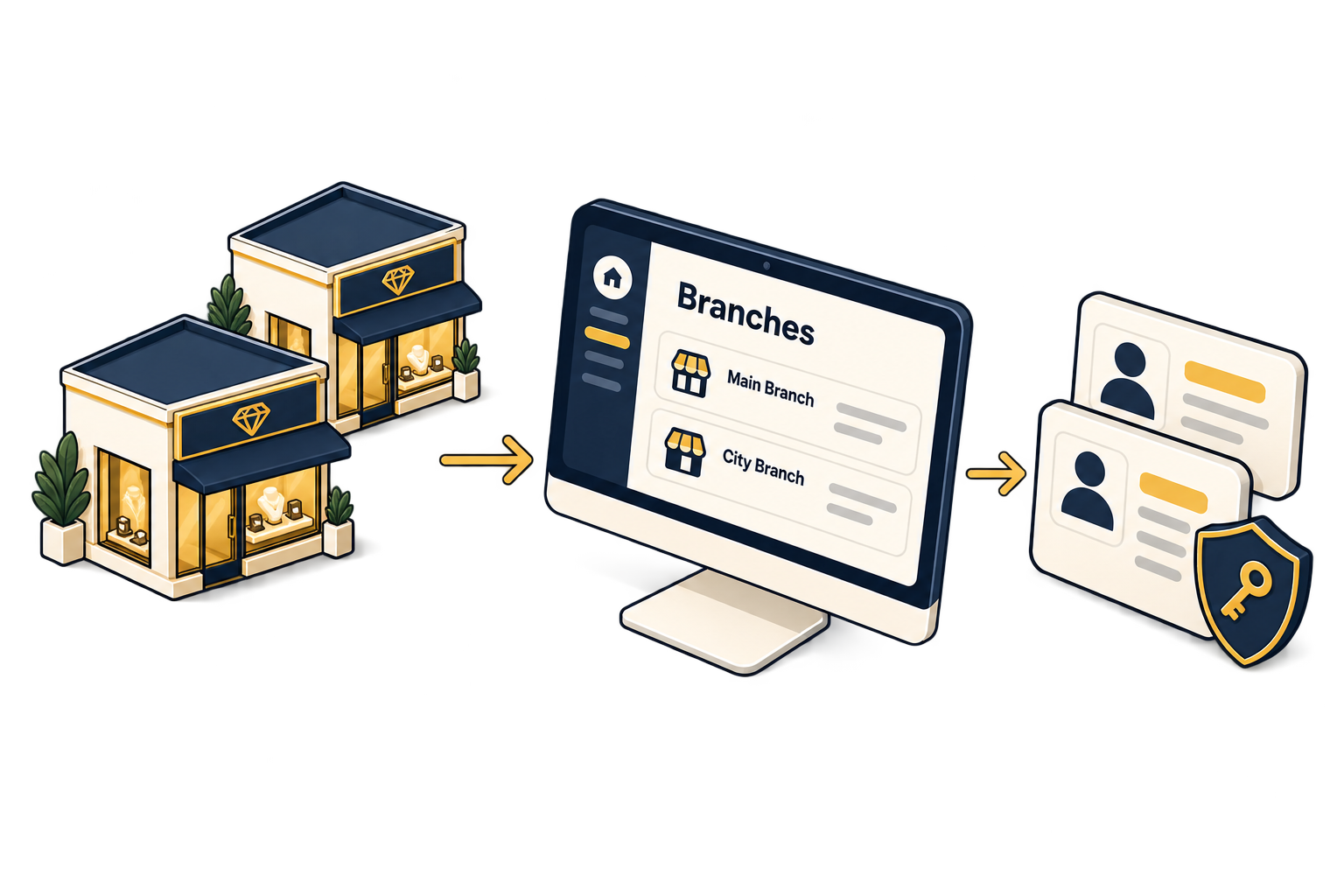
Yes, on the Enterprise plan. Each branch can have its own modules, bill prefixes and numbering. Rates are shared across branches with a branch override, and roles decide what each staff tier can see and do.
Is there an app for my staff?
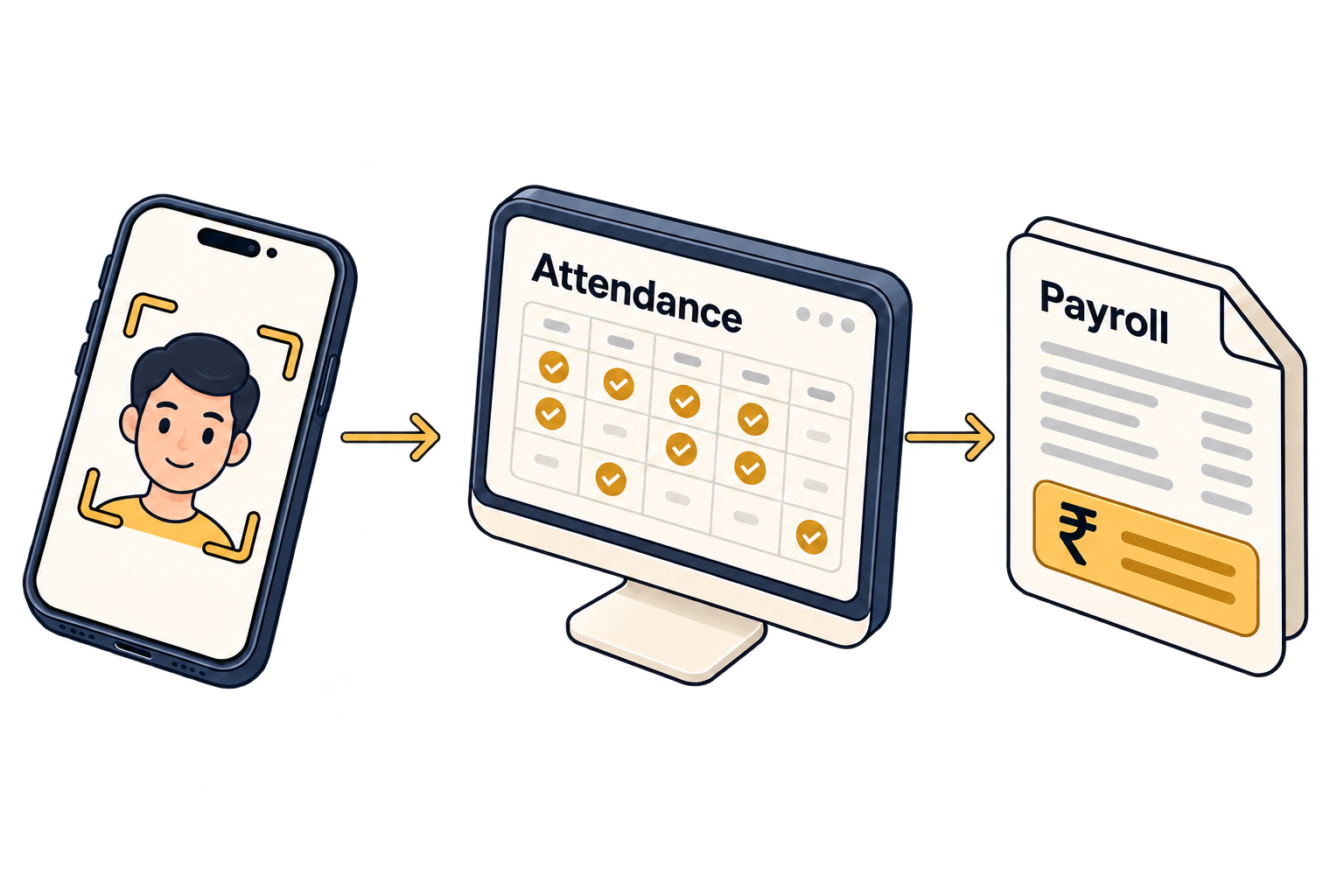
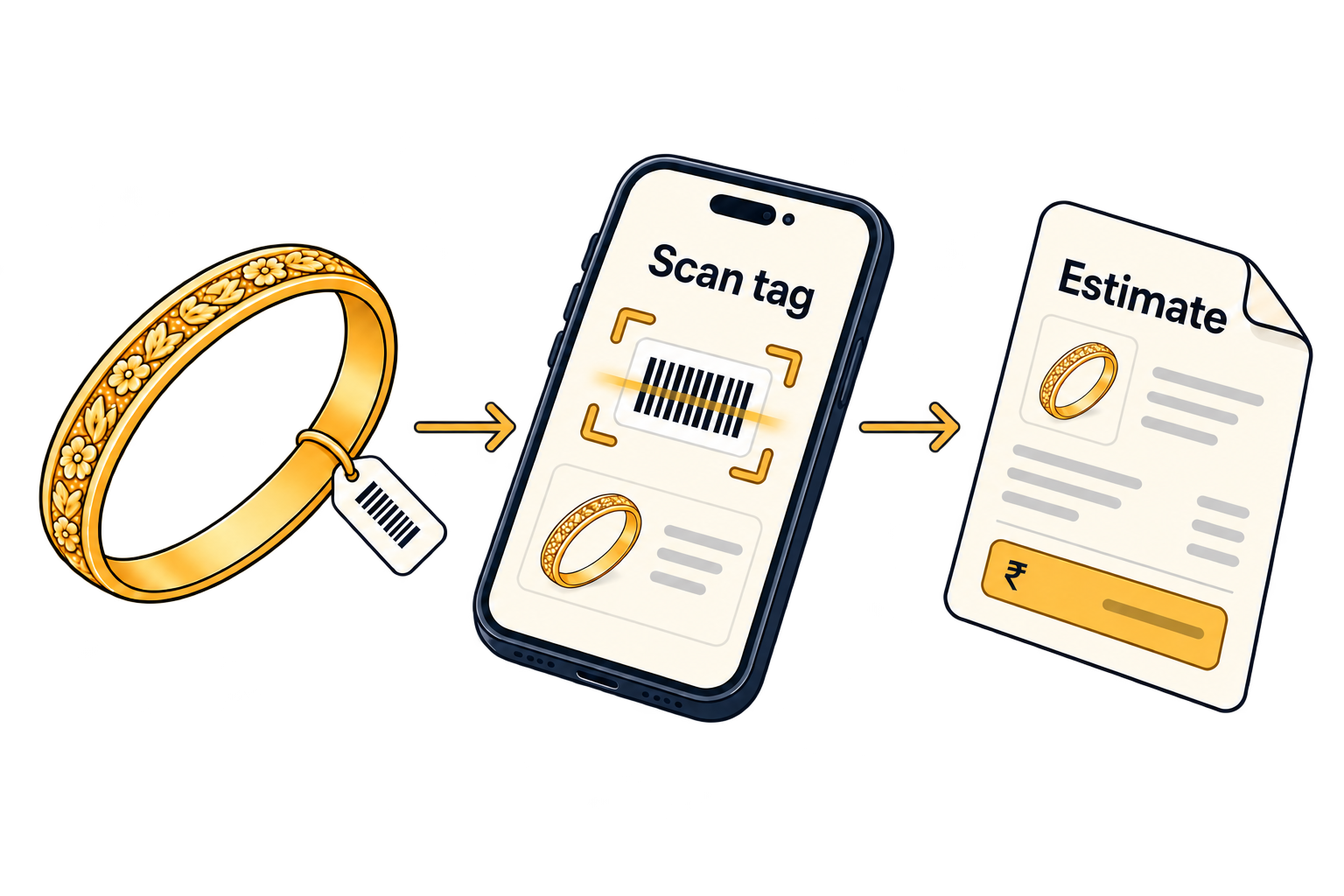
Yes, on Android 7 and newer and iOS 15.5 and newer. Your business issues the staff accounts. The app covers estimates, tag scan, Bluetooth printing, customers, repairs, face attendance and AI Studio, plus saving schemes and gold loans on Pro and Enterprise.
How long does it take to get started?
About a week: we import your stock, train your counter staff, and you go live.